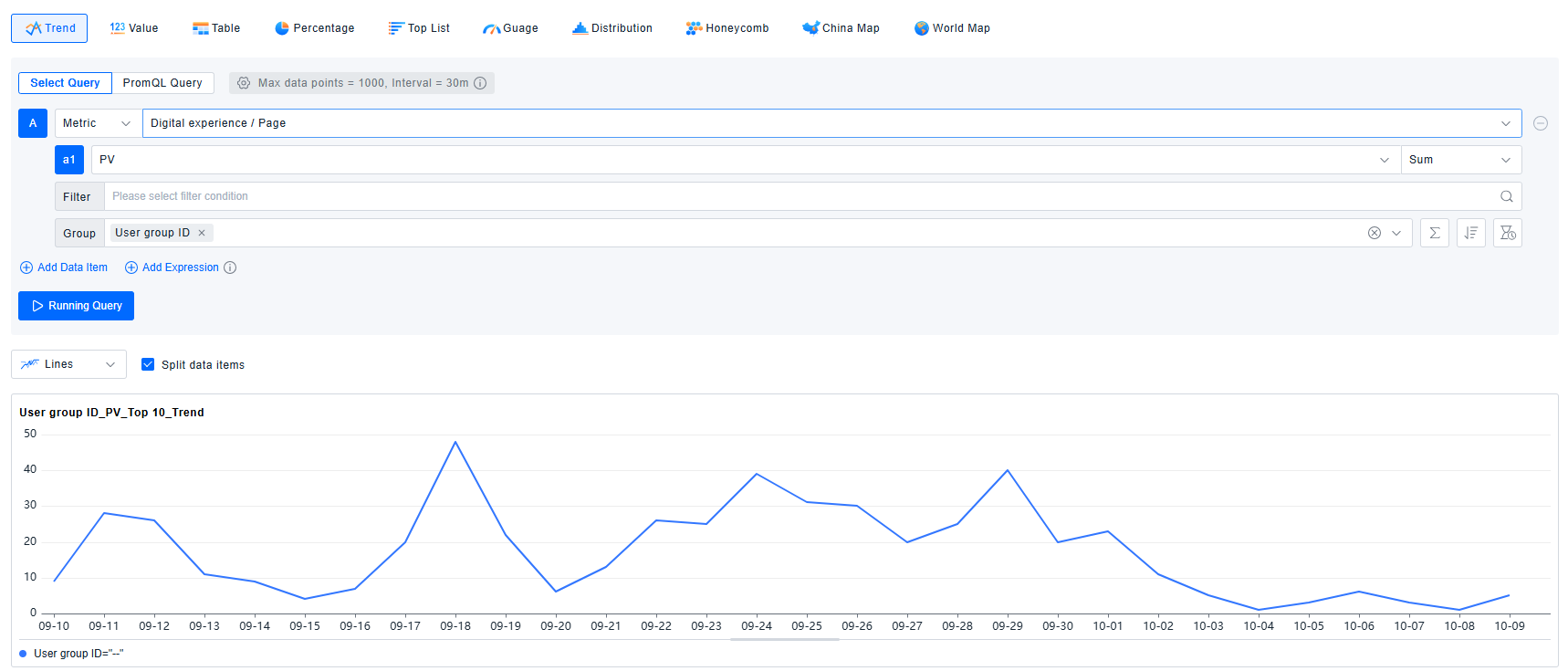
User groups
Due to the typical user volume of an application being in the millions or even tens of millions, performing grouped statistics for every individual user would result in poor performance. Therefore, before conducting user analysis, it is necessary to import core User IDs into the platform and organize them into groups. This ensures that collected metrics related to User Sessions and Actions will carry the User Group dimension, facilitating subsequent statistical analysis.

Getting Started
- Create a User Group: Fill in the user group name and select the application it belongs to.

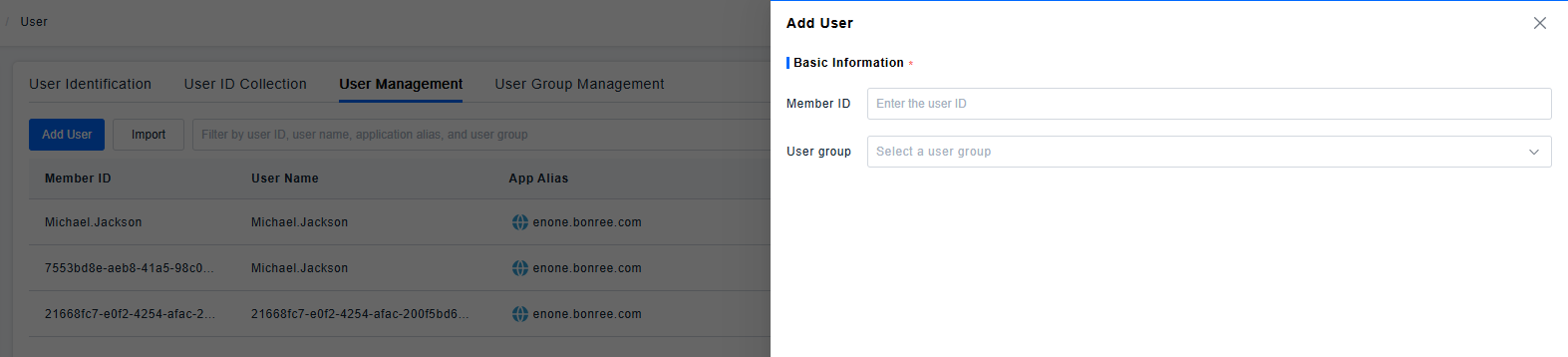
- Add Users: Enter the User ID and select the user group it belongs to.
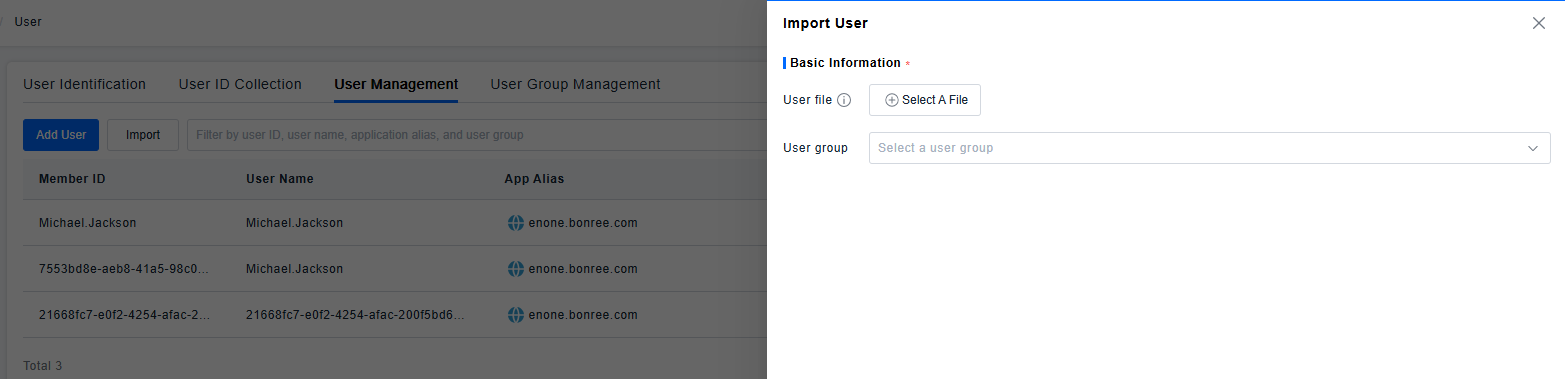
3.Importing User IDs is supported. The import file must be in .xlsx or .xls format, with the header labeled as "User ID". A maximum of 100,000 entries can be uploaded at once.
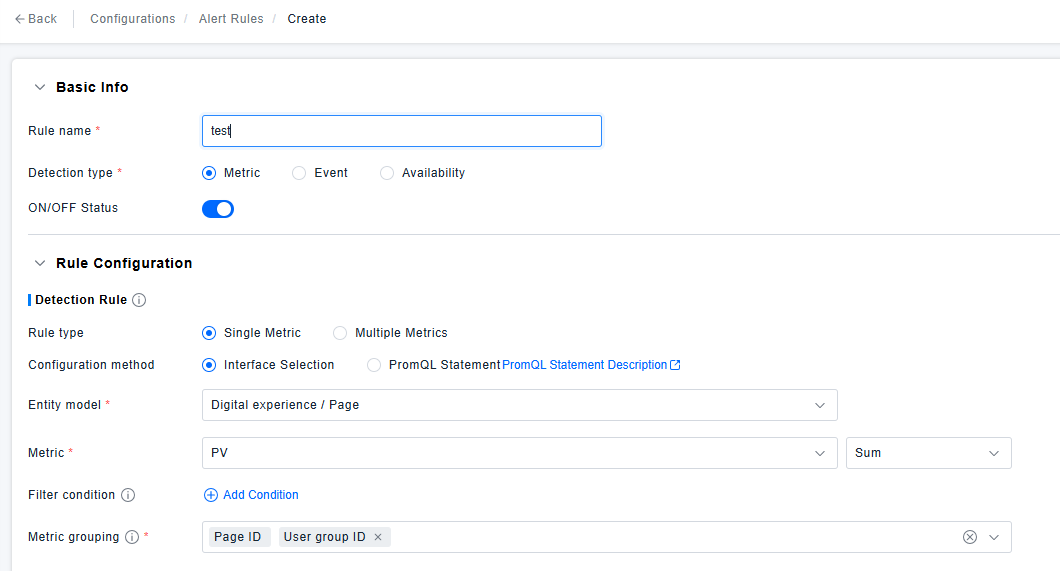
4.In Dashboards/Alerts, metrics can be grouped by user groups.