Lookup
Enrich data by uploading files. When the data source is incomplete or has poor readability, you can use lookup and enrichment to enhance the data.
Getting Started
-
Upload Files
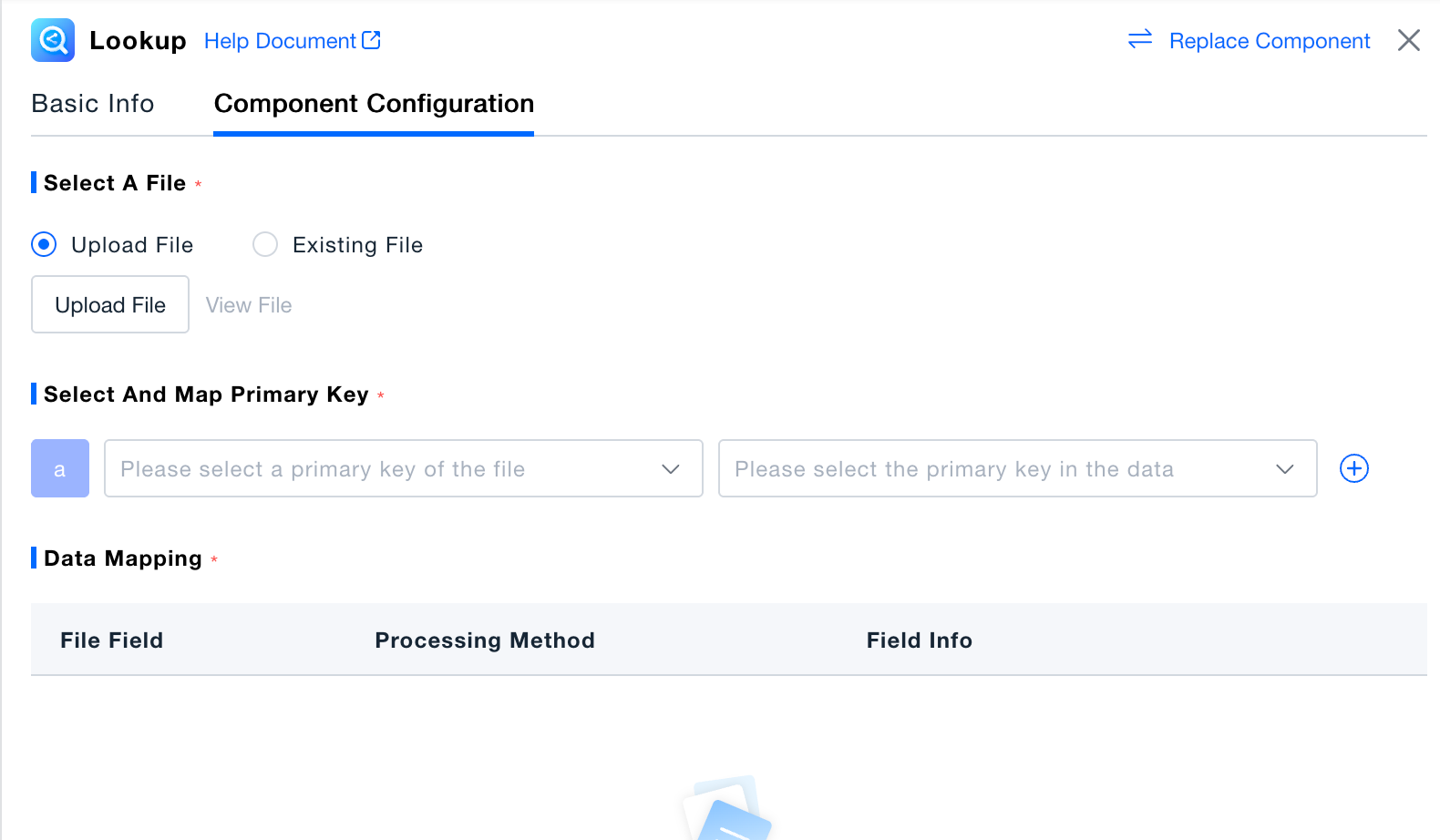
- Upload within the Component: Click "Upload File" to select a local file and upload it to the platform. Excel and CSV formats are supported.
- Upload via File Management: Upload files in Deployment Configuration -> Configuration -> File Management. Files uploaded within the component will also be synchronized to the File Management module for unified storage and management.
-
Existing Files: If the file already exists in the File Management module, you can select it directly for data enrichment.
-
Configure Data Association Primary Key
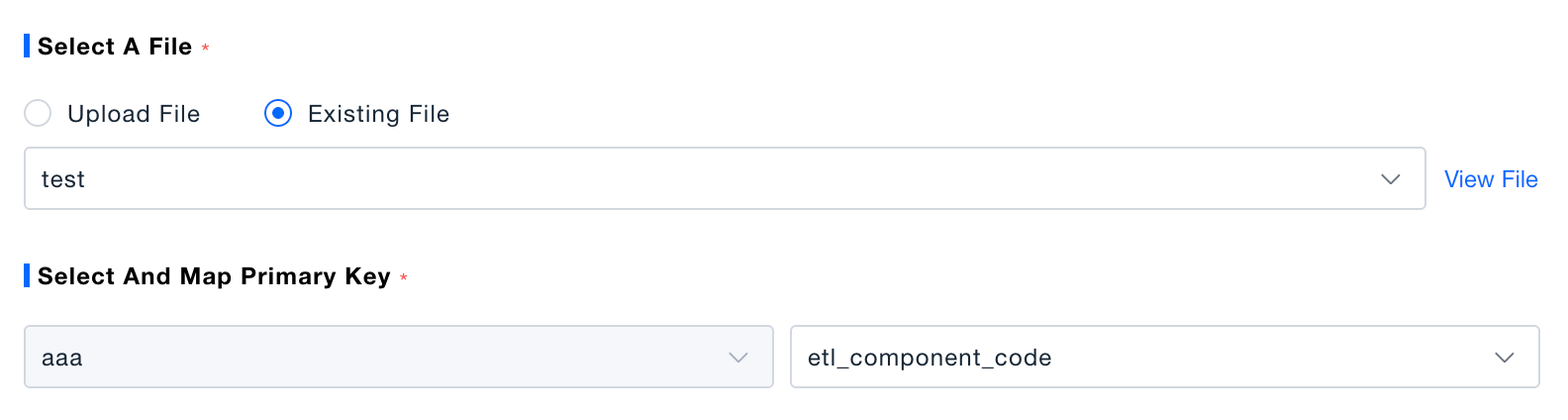
- The primary key is the unique key for associating two data sources. Ensure that the field information in the data matches the fields in the file; otherwise, data cannot be added or enriched. Select the primary key field from the file on the left and the associated primary key field from the data on the right.
- If you need to match multiple fields as the primary key, you can configure multiple primary key fields in the Primary Key Selection module. Data will only be enriched when all conditions are met simultaneously.
-
Data Mapping
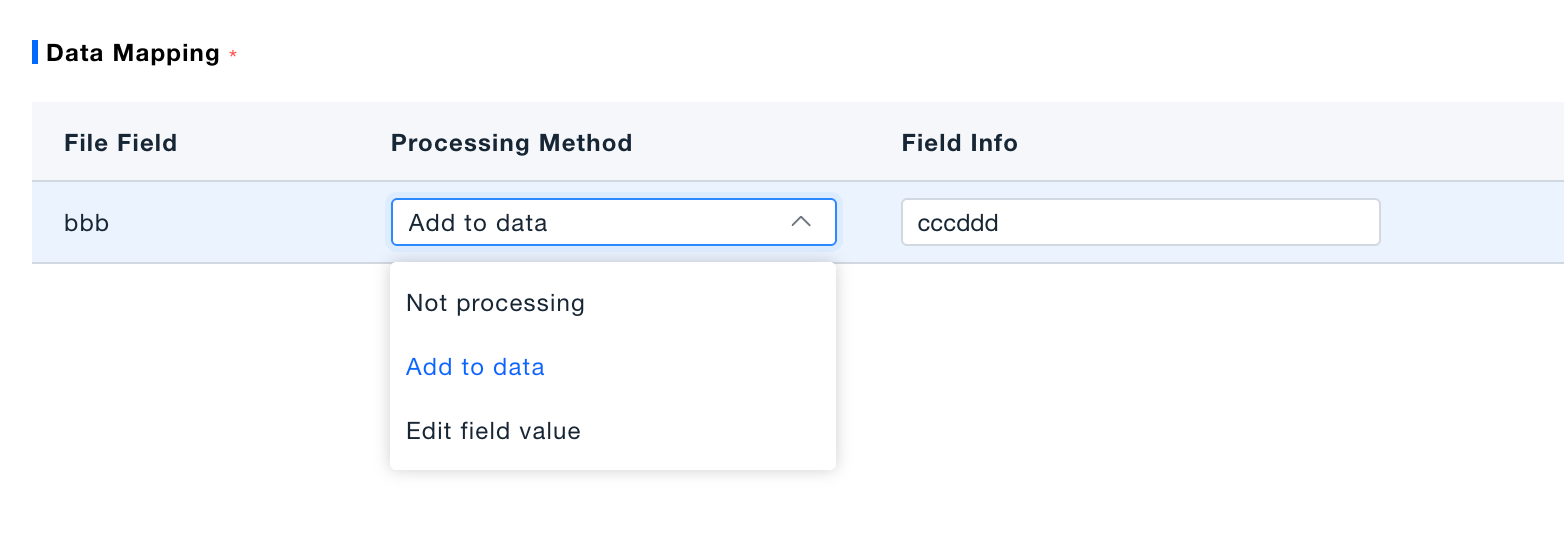
- You can add fields from the file to the data or replace existing field values with fields from the file. Choose between Modify Field Value and Add to Data for processing.
Validation
Click "Execute Preview" to view the results in the data preview panel. In the execution preview state, this is a simulation of data processing, and no real data will be generated in the platform.