Model Mapping
Through the powerful data processing workflow of the ONE platform, data is transformed into the standard data model of ONE.
Model Mapping Components
The ONE platform provides Metric Mapping, Log Mapping, Call Chain Mapping, and Event Mapping components. By specifying field matching, data is converted into the protocol fields of the ONE platform. For more information on the model definitions of the ONE platform, refer to the Model Definition section.
Getting Started
Metric Mapping
The Metric Mapping component offers three mapping schemes to map basic information, dimensions, and tags of metrics.
-
Integrated Metric Extension: Quickly integrate external metrics into the ONE platform for data analysis. Metrics integrated this way can be viewed in the Dashboard and Data Exploration modules.
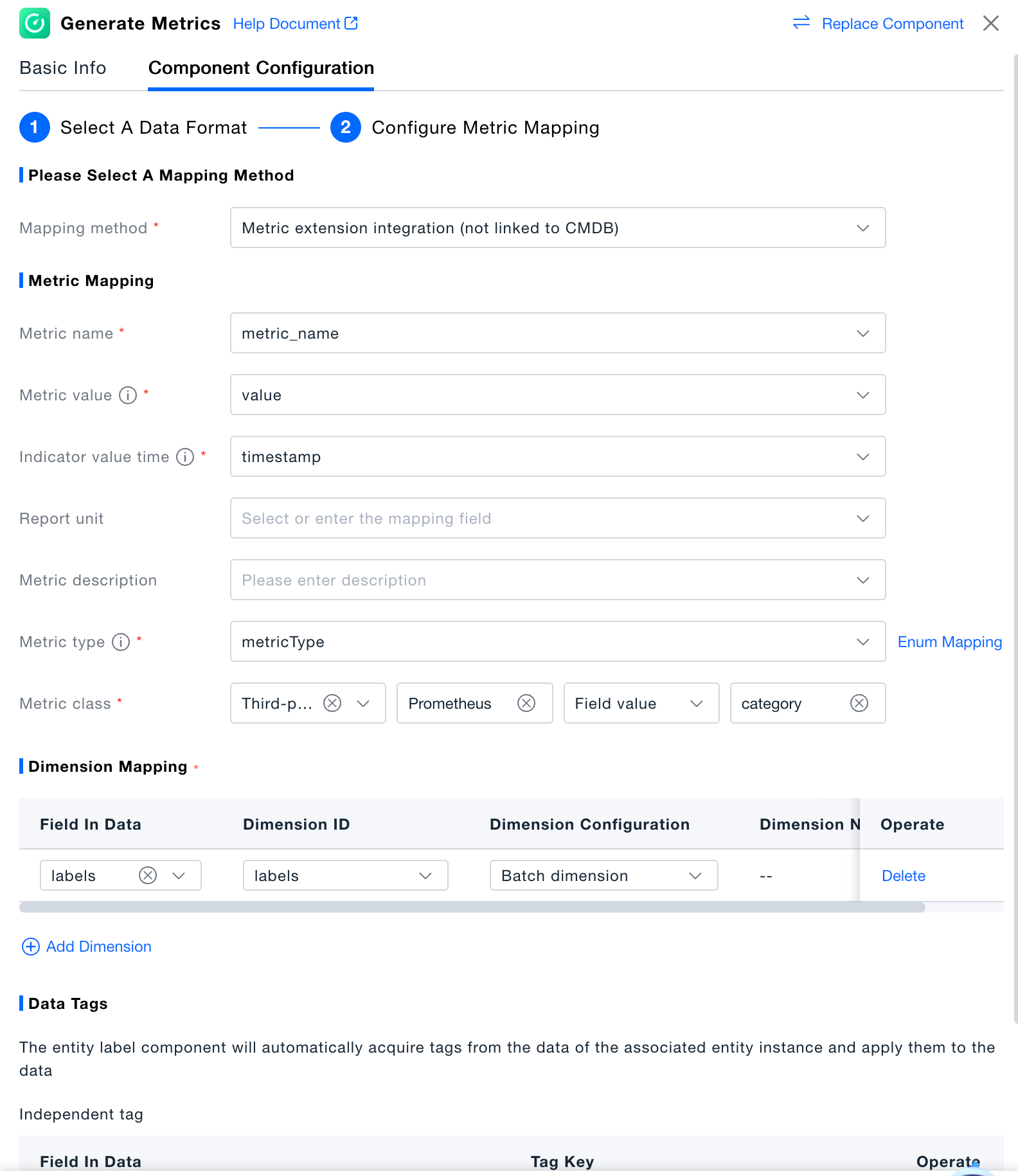
-
Dynamic Metric Registration (Associated with CMDB): Quickly integrate external metrics into the ONE platform and associate CMDB instances extracted from the preceding process with the entity dimensions of the metrics. This allows for more analytical dimensions based on entities. Metrics integrated this way can be viewed in the Dashboard and Data Exploration modules.
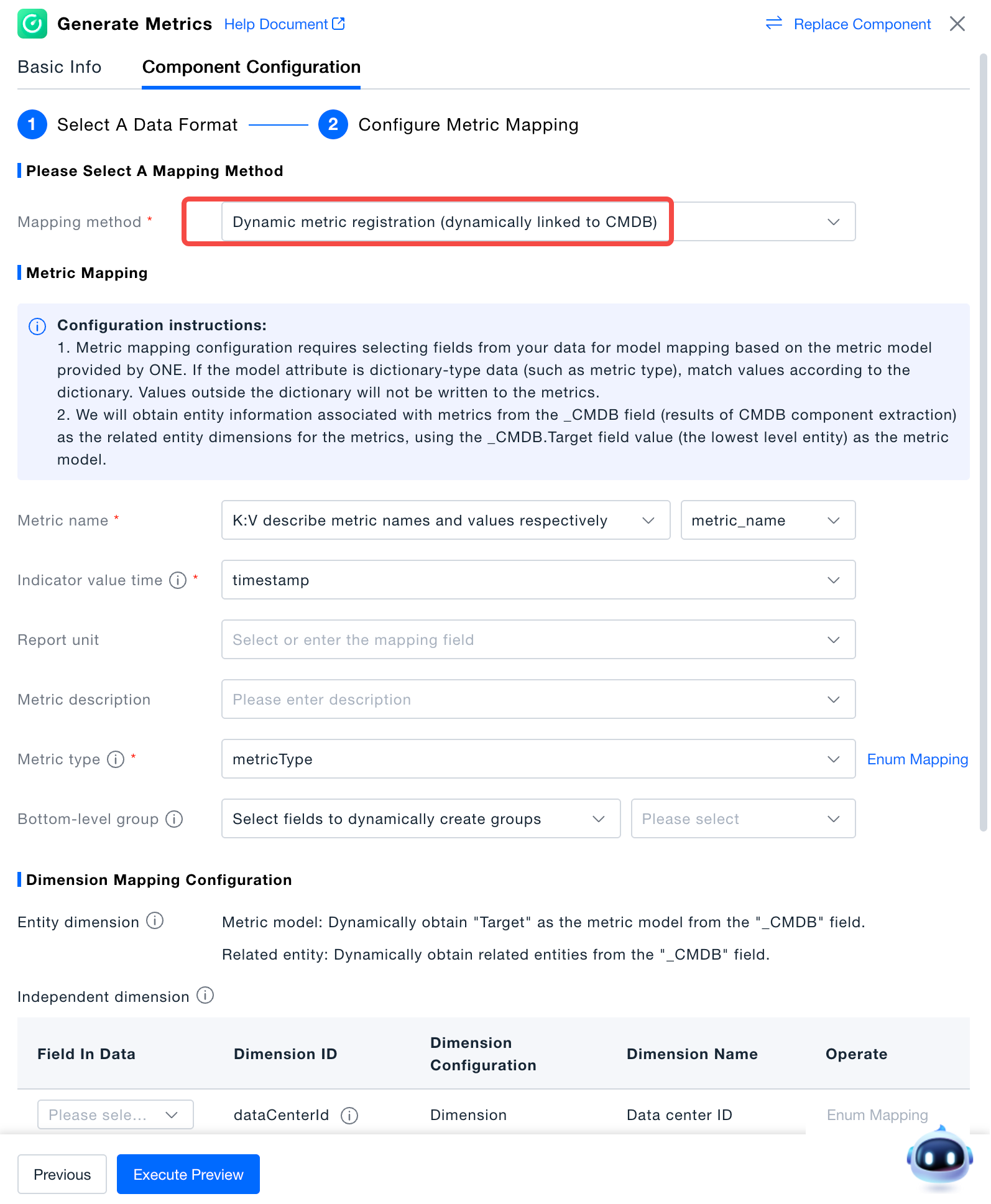
-
Mapping System Metrics (Associated with CMDB): Match external metrics one-to-one with the standard metrics in the ONE platform's system. These system metrics, refined through industry practice, are deeply used in multiple modules of the product.
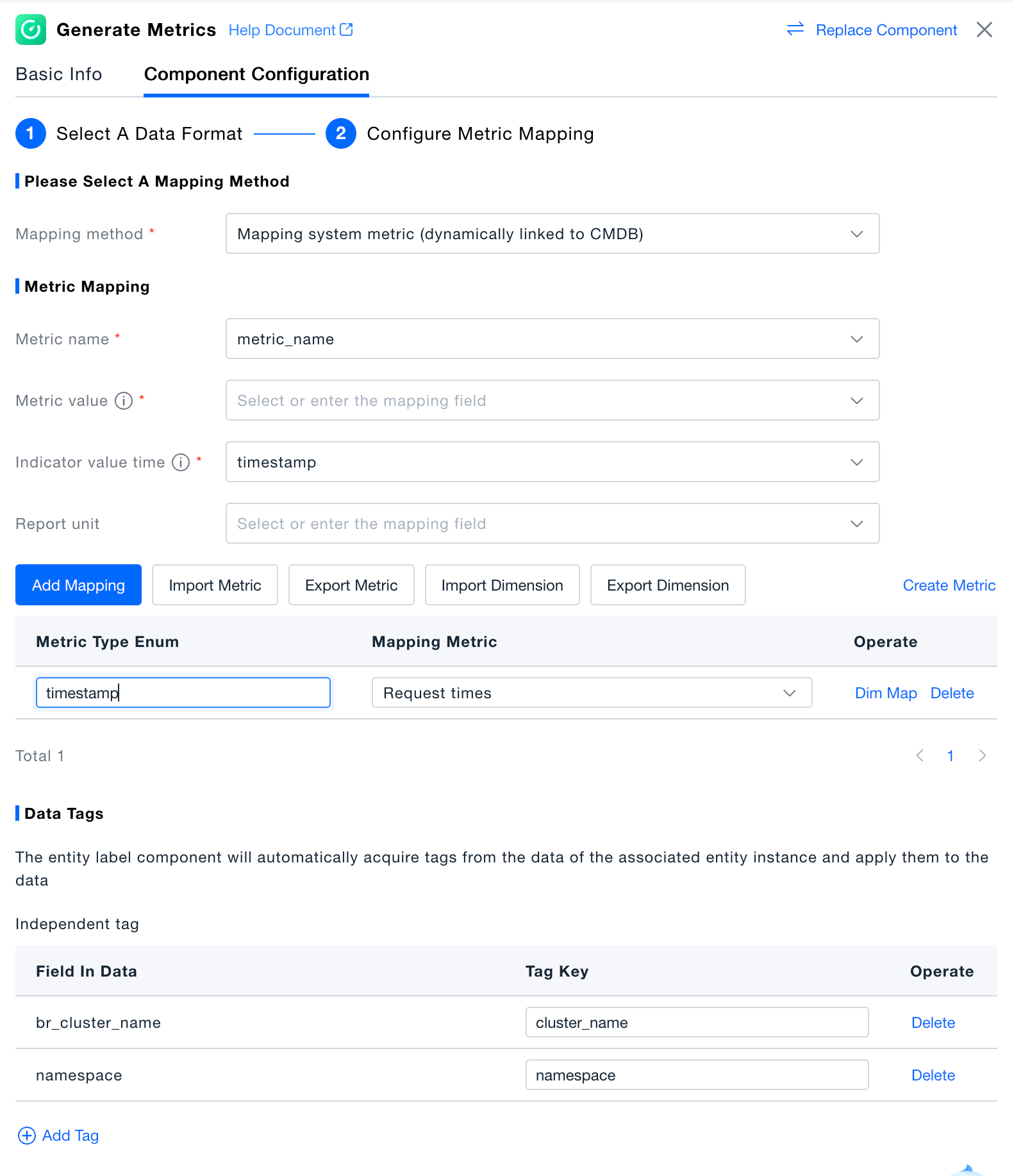
Log Mapping
The Log Mapping component allows configuration of basic information and attribute mapping for logs.
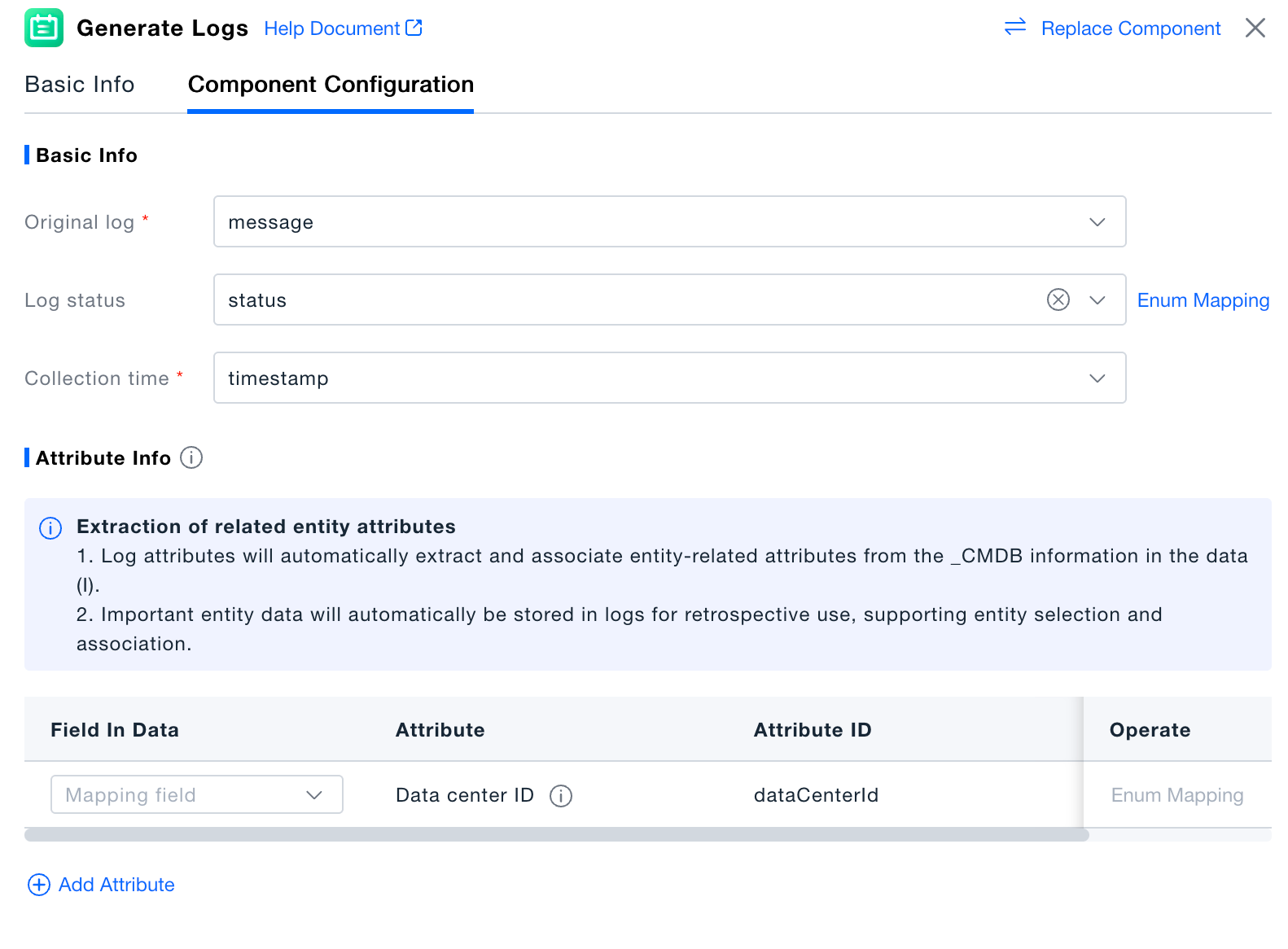
Event Mapping
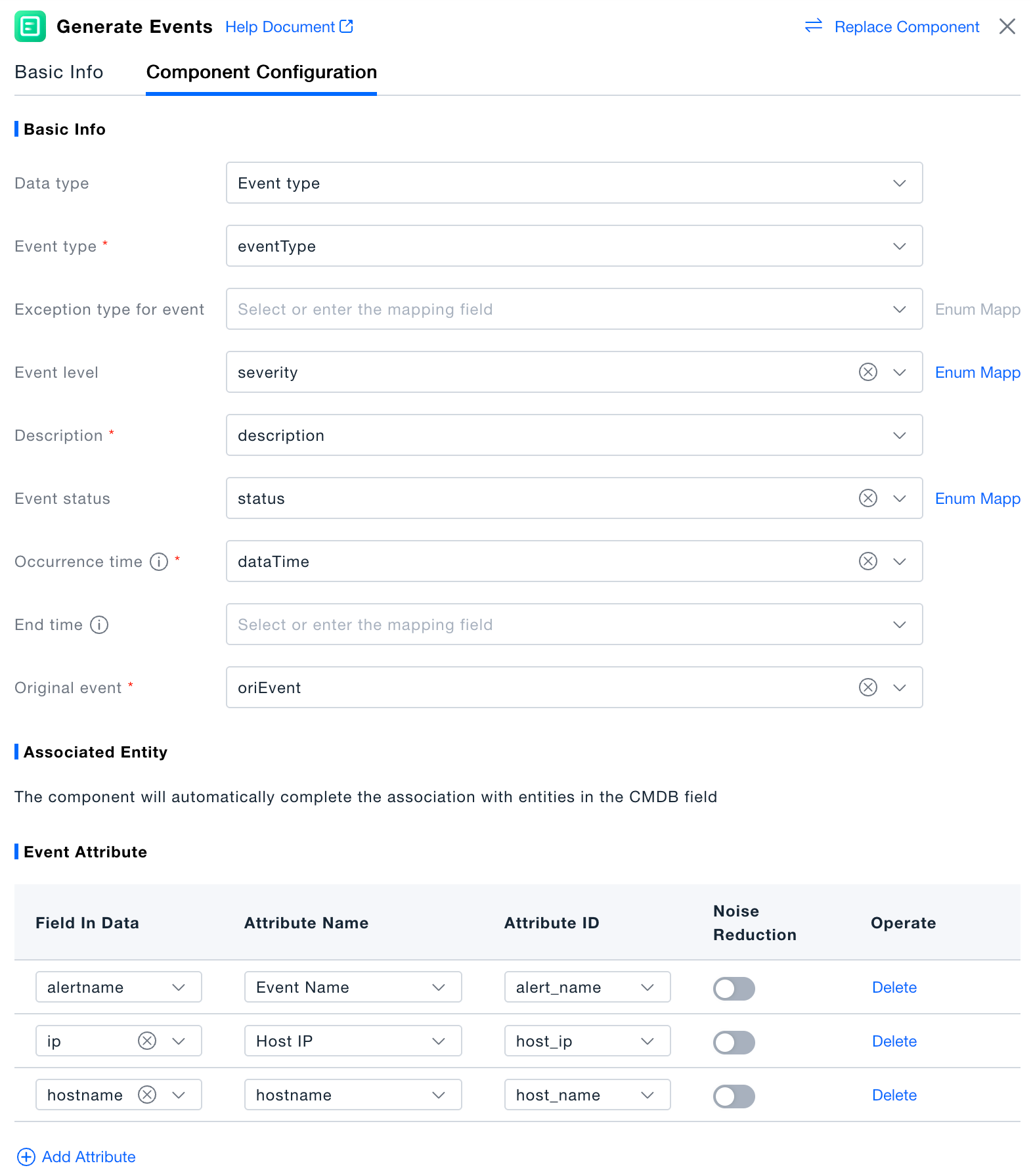
The Event Mapping component transforms external events and alert data into the standard event model of the ONE platform. It supports configuring basic information such as event type, level, status, occurrence and end times, and raw event information. It also allows setting tags and attributes for events to enhance the platform's analytical capabilities.
Validation
Click "Execute Preview" to view the results in the data preview panel. In the execution preview state, this is a simulation of data processing, and no real data will be generated in the platform.