Add Field
Add a new field to every record following configurable rules, and assign it a static or dynamic value.
Getting Started
A single component can add multiple fields.
When fields depend on each other (e.g. field B references field A), add them in order—A first, then B.
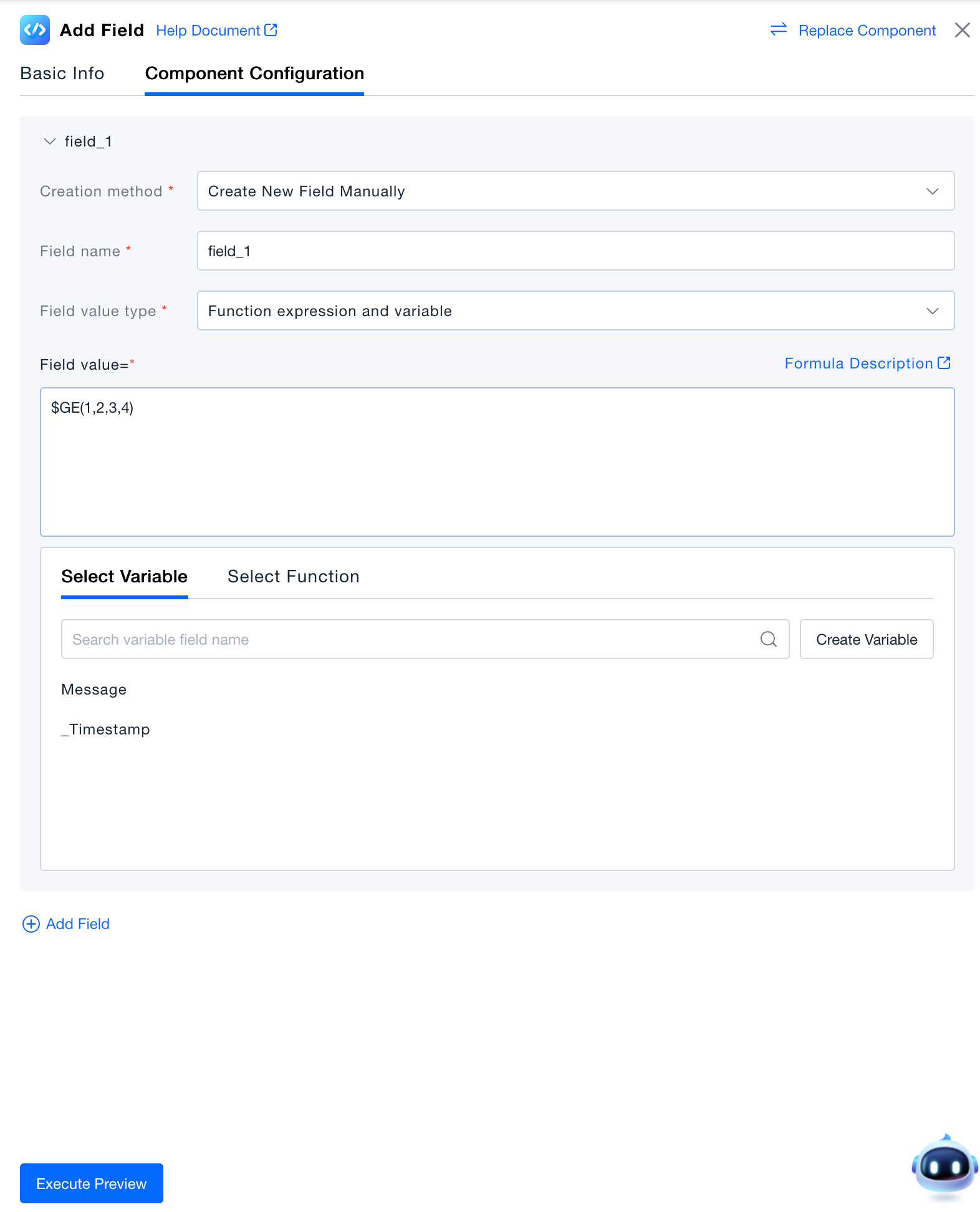
Field Settings
-
Creation Mode:Two field-creation modes are supported.
- Manually create a new field:Manually enter the name of the new field you want to add.
- Create a new field from a value: select a field already parsed in the data stream and use that field's value as the name of the new field.
-
Field Name:Key that will be created in the payload.
-
Support assigning a fixed value to a field or calculating a value using functions and variables.
Fixed value: assigns a constant to the field, stored as a string in the data, and supports basic arithmetic operations (+, -, *, /). Variable & function expression: assign values using variable fields from the data plus function expressions; see the Function Guide for usage.
Verification
Click Execute Preview and inspect the result in the preview panel.
(Preview simulates processing—no real data is stored.)