Notification Template
Prerequisites
Feature Menu Access: Availability of the notification template feature menu. Operation Permissions: Create, read-write, and read-only permissions for alert configuration. Data Permissions: Access to at least one resource domain within an environment.
Overview
A notification template is a predefined message format used to generate and send alert notifications or issue notifications. After defining the notification template, you can click on the notification template name under each notification method in the configuration interface of the response strategy. In this way, the operation and configuration of notifications are simplified, improving the consistency, completeness, and readability of notifications, and helping users respond and handle alerts more efficiently.
Bonree ONE Observable Platform provides users with default notification templates based on SMS, email, DingTalk, Feishu, and Enterprise WeChat. It also supports users to customize notification templates, choose notification methods according to business needs, and customize notification content, including basic information, entity object attribute information, etc.
Use Cases
-
Personalized configuration of user notification methods, for example: configuring notification methods for email, SMS, and enterprise WeChat during the day; The notification method for nighttime configuration is telephone.
-
Personalized configuration notification content, such as configuring different attribute information for entity objects of different types in Group A and Group B.
-
No custom notification requirements, for example: directly using the default notification template that is out of the box.
-
Managers define templates for ordinary users to choose from. For example, after the administrator user defines various notification templates in advance, the operation and maintenance personnel under each system (resource domain) can select and use them with one click when defining response strategies.
Operational Scenario
-
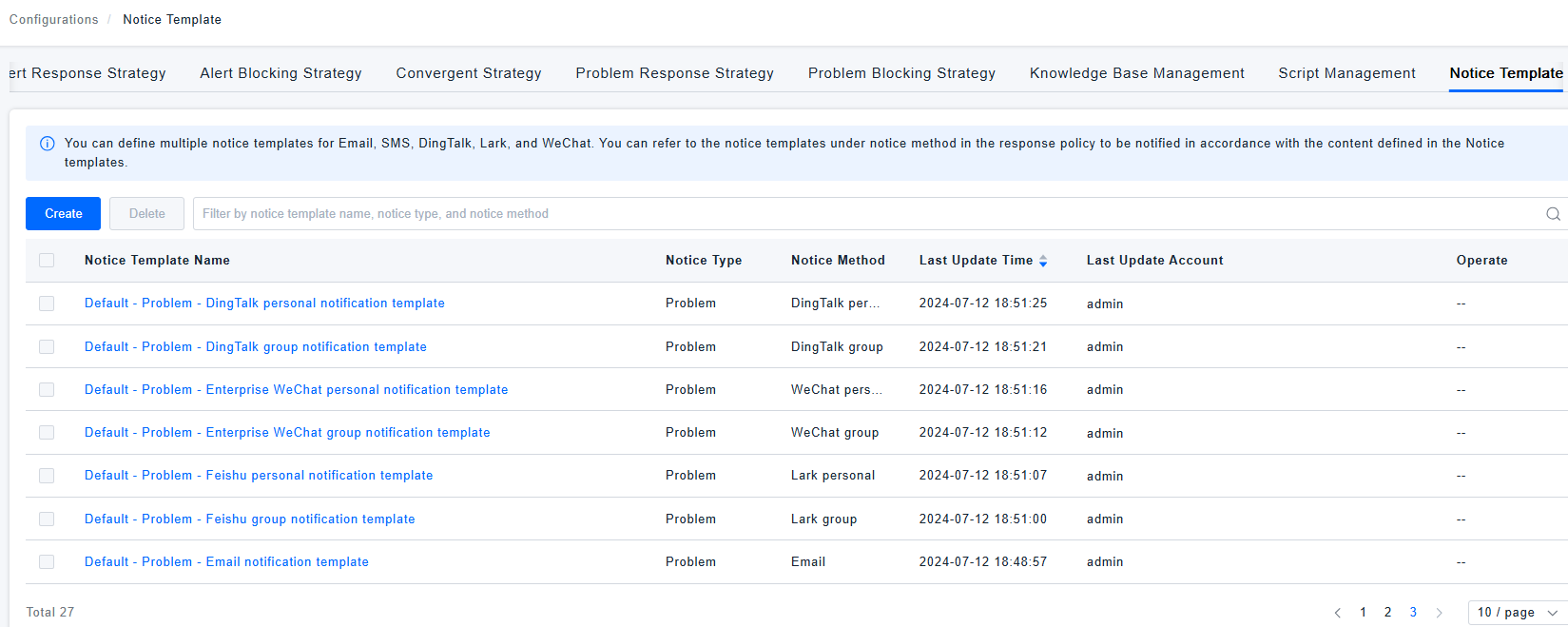
Query: When users need to query the target template in the notification template list, they can quickly search based on the notification template name, notification type, and notification method in the query box.
-
Create: When users need to customize notification templates, they can click the [Create] button to create a new notification template.
-
Edit: When users need to adjust the custom notification template, they can click the [Edit] button in the operation column to make modifications.
-
Copy: When users need to create a new notification template, but can fine tune it based on a customized notification template, they can click the [Copy] button in the operation column to create and adjust it.
-
Delete: When users need to delete notification templates, they can click the [Delete] button in the operation column to delete a certain notification template, or select multiple templates in batches and click the [Delete] button at the top to confirm the deletion.
-
The default notification template cannot be edited, copied, or deleted, and only supports viewing.
Get Started
Notification Template List
- Log in to Bonree ONE.
- Select Smart Alert>Alert Configuration>Notification Template.
- Support notification template query, creation, editing, copying, and deletion.
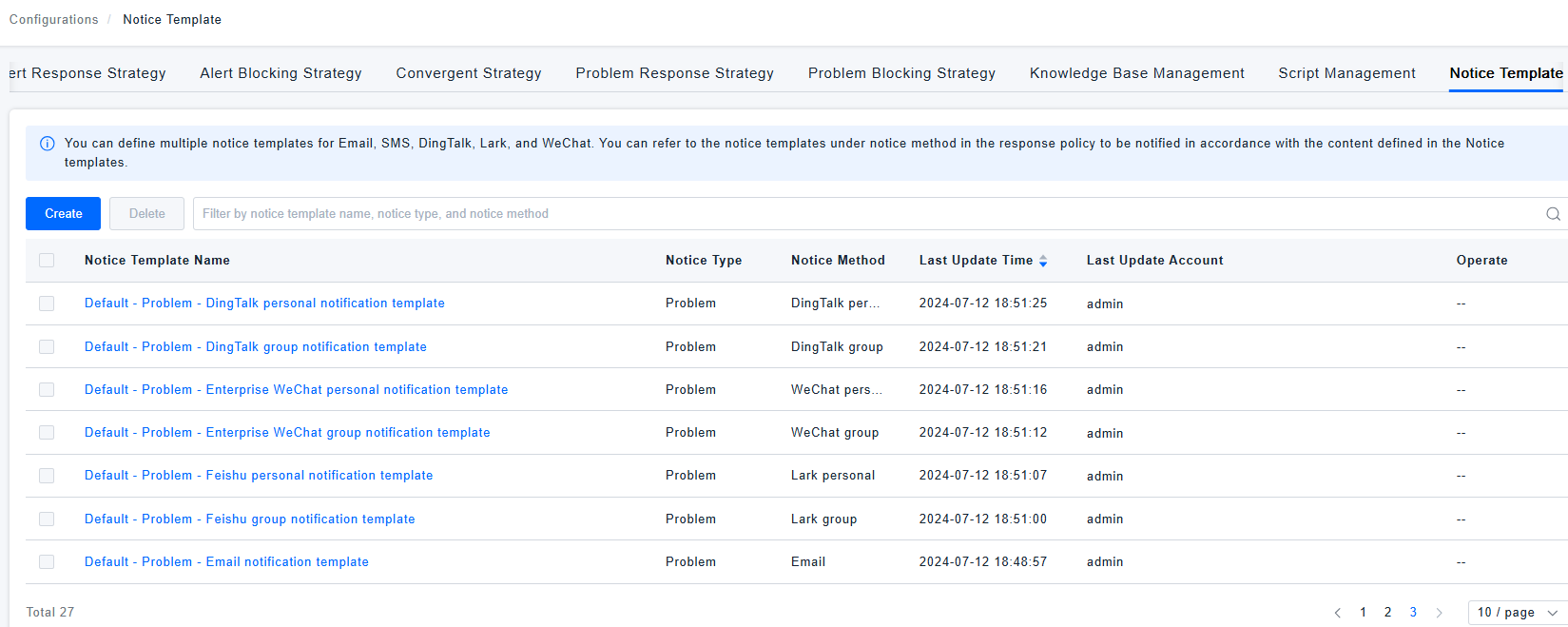
- The fields provided by the list include notification template name, notification type, notification method, latest update time, latest update account, and operation.
Notification Template Details
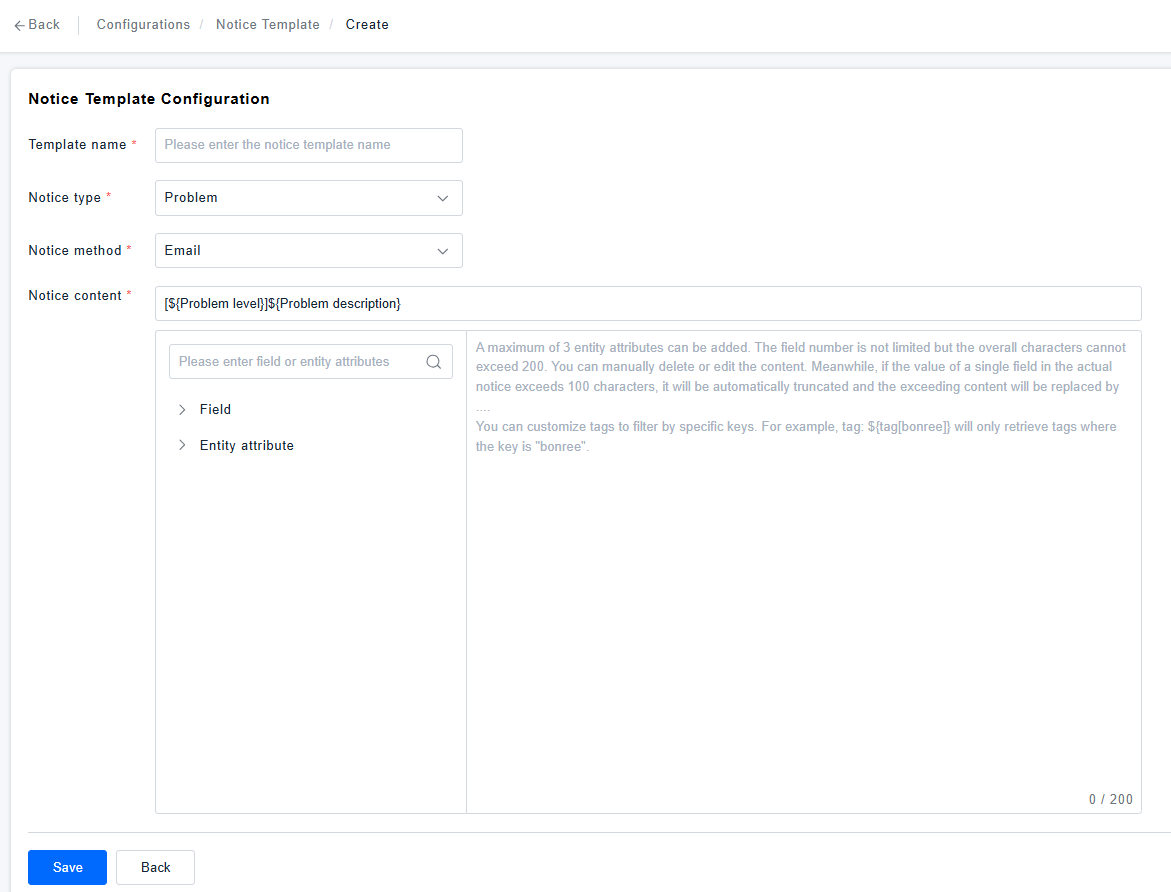
- Click Create/Edit/Copy Notification Template to configure notification template details.
- The notification details include the template name, notification type, notification method, and the filling of notification content.
- The notification content supports the selection of basic fields and entity attributes. The left directory can be directly added to the notification content display area on the right by clicking the add button with one click.
[!NOTE]
Considering the real-time nature of notifications and the fact that some notification methods may be truncated when the content is too long, there are some restrictions on field and entity attributes when defining notification content, as shown in the following figure.