Business Observability Feature Overview
Business Observability organizes systems, services, interfaces, and technical components along critical business paths. It brings metrics, alerts, logs, and traces into one business view so you can assess health, follow dependencies to anomalous nodes, and verify recovery.
Value
| User task | Information provided | Result |
|---|---|---|
| Routine monitoring | Business trace status, key metrics, and ongoing alerts | Identify the business trace that needs attention first. |
| Anomaly isolation | Topology, anomalous nodes, and upstream or downstream dependencies | Determine where the anomaly occurred and what may be affected. |
| Cause analysis | Metrics, interfaces, alerts, logs, and traces associated with a node | Correlate observability data to validate the cause. |
| Recovery verification | Alert state, node state, and metric trends | Confirm whether the business recovered after the fix. |
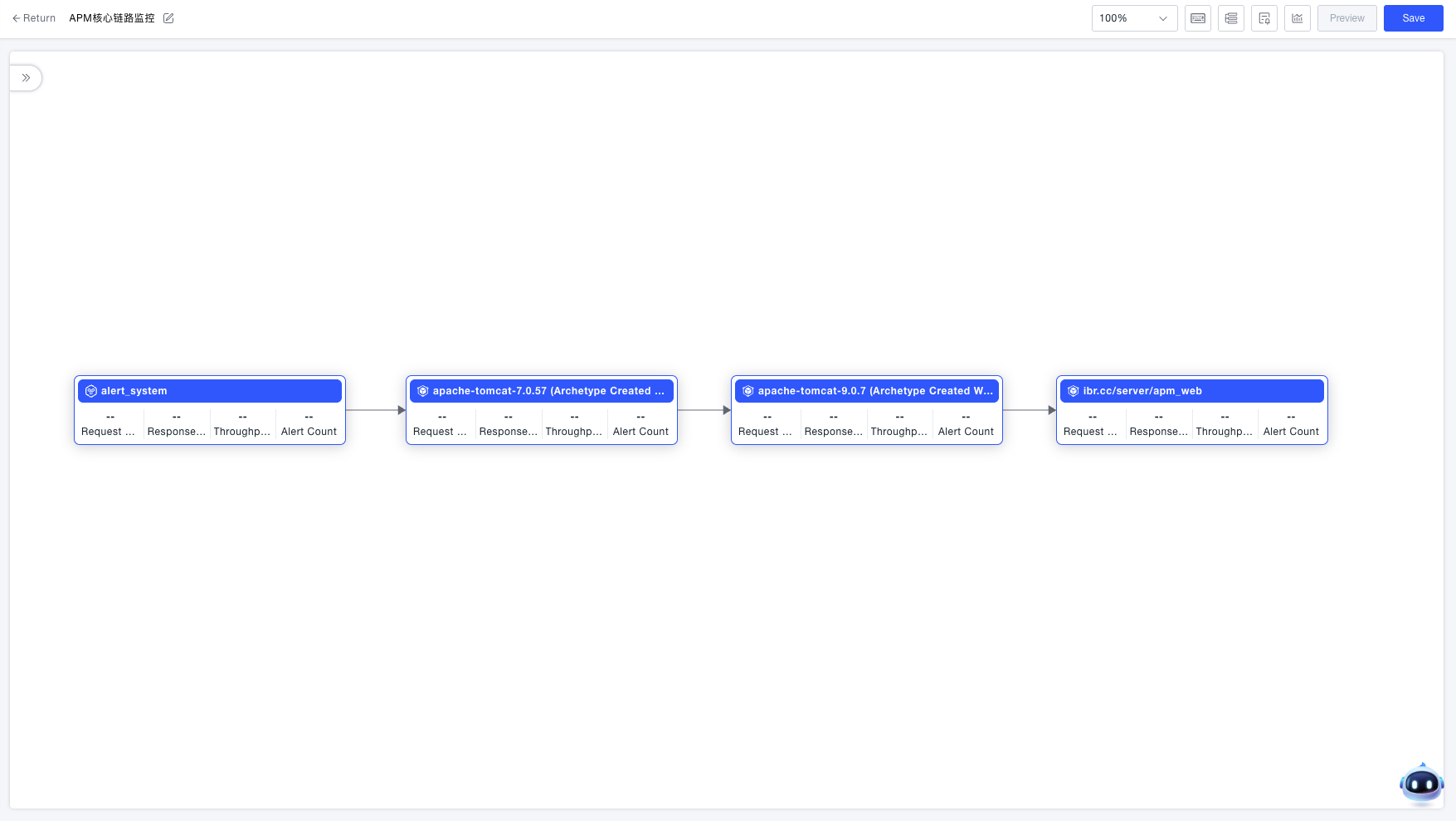
Use cases
- Monitor a critical transaction, service flow, or system dependency from a business perspective.
- Investigate changes in error rate, response time, throughput, or resource state along the business path.
- Assess how an anomaly affects upstream and downstream systems, services, or instances.
- Verify recovery with the same business metrics and alerts used to detect the issue.
How it works
- Ingest hosts, processes, services, metrics, alerts, logs, and traces through an Agent or Data Integration.
- Organize systems, services, interfaces, technical components, application components, or third-party entities into a business trace.
- Define health with an entry node, interface scope, key metrics, and alert rules.
- Monitor trace cards and details, then drill down from anomalous nodes.
- After a fix, continue observing alerts, node health, and metric trends to verify recovery.
Main features
| Feature | Purpose |
|---|---|
| Business trace orchestration | Add business nodes, connect dependencies, and define interfaces and an entry node when needed. |
| Health monitoring | Identify unhealthy business flows from trace cards, key metrics, and alert states. |
| Node investigation | Open metrics, interfaces, alerts, logs, traces, and call relationships associated with a node. |
| Vertical architecture | Continue from a business node to related hosts, processes, and service instances. |
| External synchronization | Import business traces, nodes, edges, and drill-down relationships maintained by a third-party system. |
Business traces and request traces
| Business trace | Request trace | |
|---|---|---|
| Represents | Systems, services, and components organized around a business outcome | The actual service calls for one request |
| Stability | Relatively stable business architecture | Generated dynamically for each request |
| Primary use | Monitor business health, assess impact, and organize investigation entry points | Analyze latency and errors for a specific request |
A business trace does not replace request tracing. It provides the business architecture view and lets you open request traces when request-level evidence is needed.
For your first implementation, follow the Business Observability Implementation Steps. After implementation, apply the Best Practices for ongoing improvement.