Symbol Table Automatic Upload
Symbol tables are used to parse crash stacks and lag stacks on the platform to quickly and accurately locate issues.
You can manually upload symbol tables on the platform or configure a script in Xcode for automatic upload. This article describes how to configure a script in Xcode for automatic upload.
Create Script
Upload the symbol table file by configuring a Shell script in Xcode. The steps are as follows:
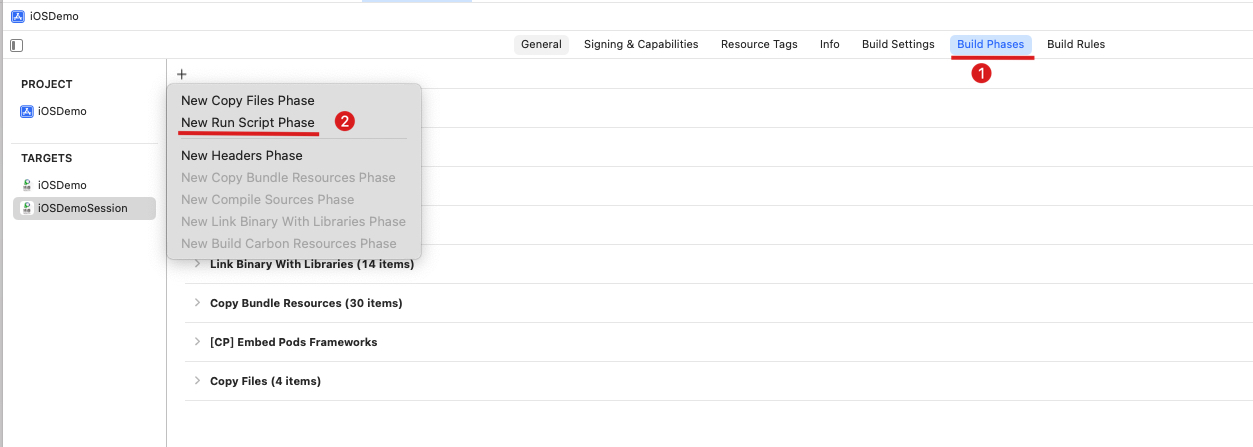
Create a new Run Script in Build Phase:
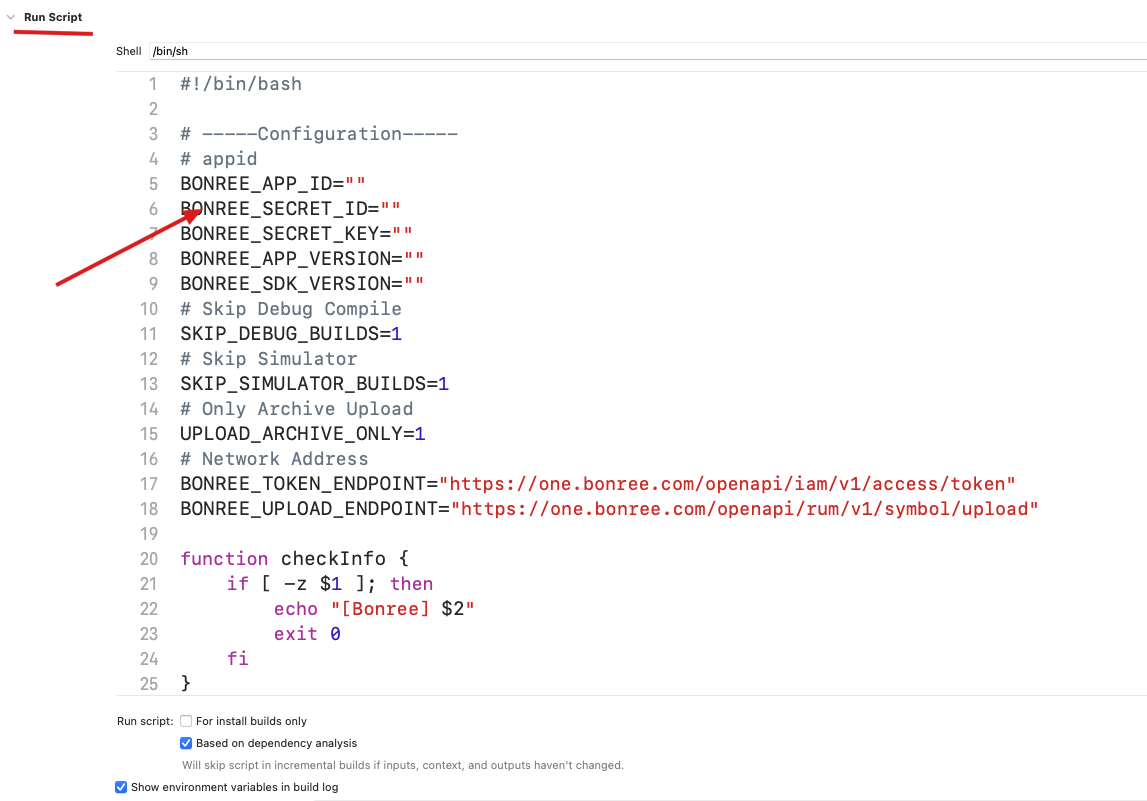
Paste the content of dsym_upload.sh from the unzipped SDK package into the Shell content area as shown below:
Note: Due to the introduction of the
User Script Sandboxingoption in Xcode 15, script access permissions are restricted, preventing access to symbol table information. This option must be disabled for normal execution. SetBuild Settings -> User Script SandboxingtoNO.
The symbol table upload process requires configuring fields such as AppID in the script, as detailed below.
Configure Script
Application ID [Required]
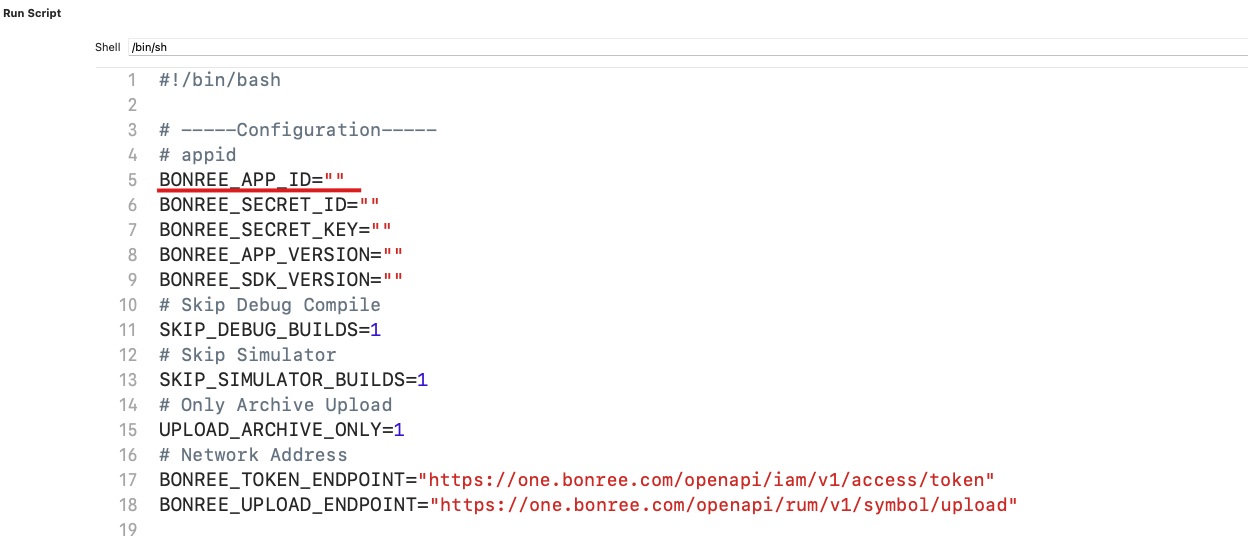
Fill in the Application ID. This value should be consistent with the one set in the startWithAppID: interface.
Secret Information [Required]
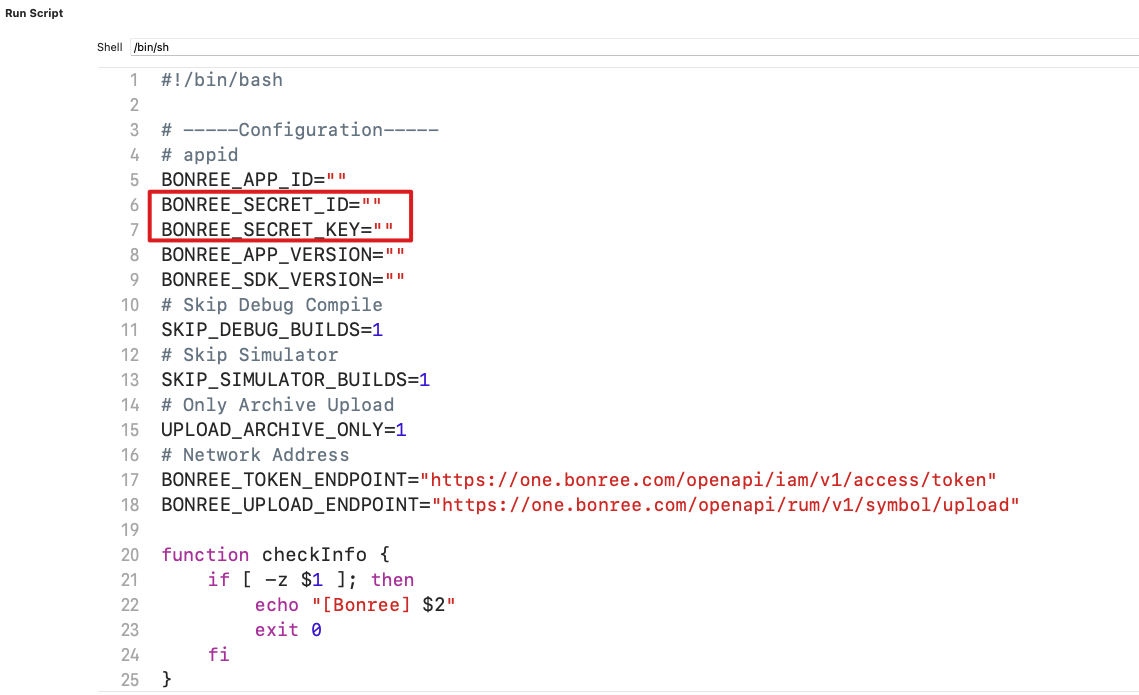
Secret information needs to be created on the platform. The steps are as follows:
- Go to the
Access Controlpage on the platform.
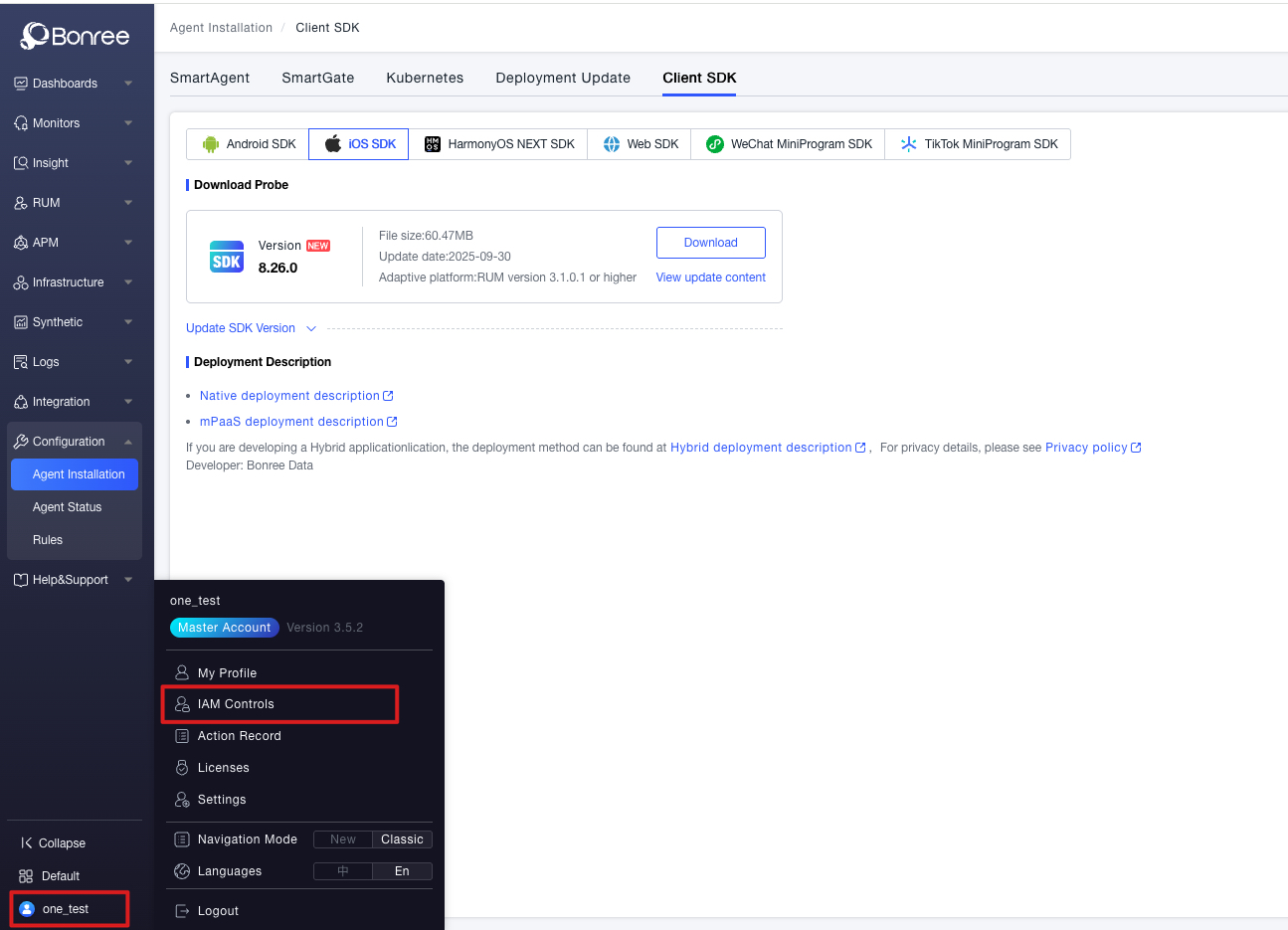
- Select
Secret Managementand create a new secret.
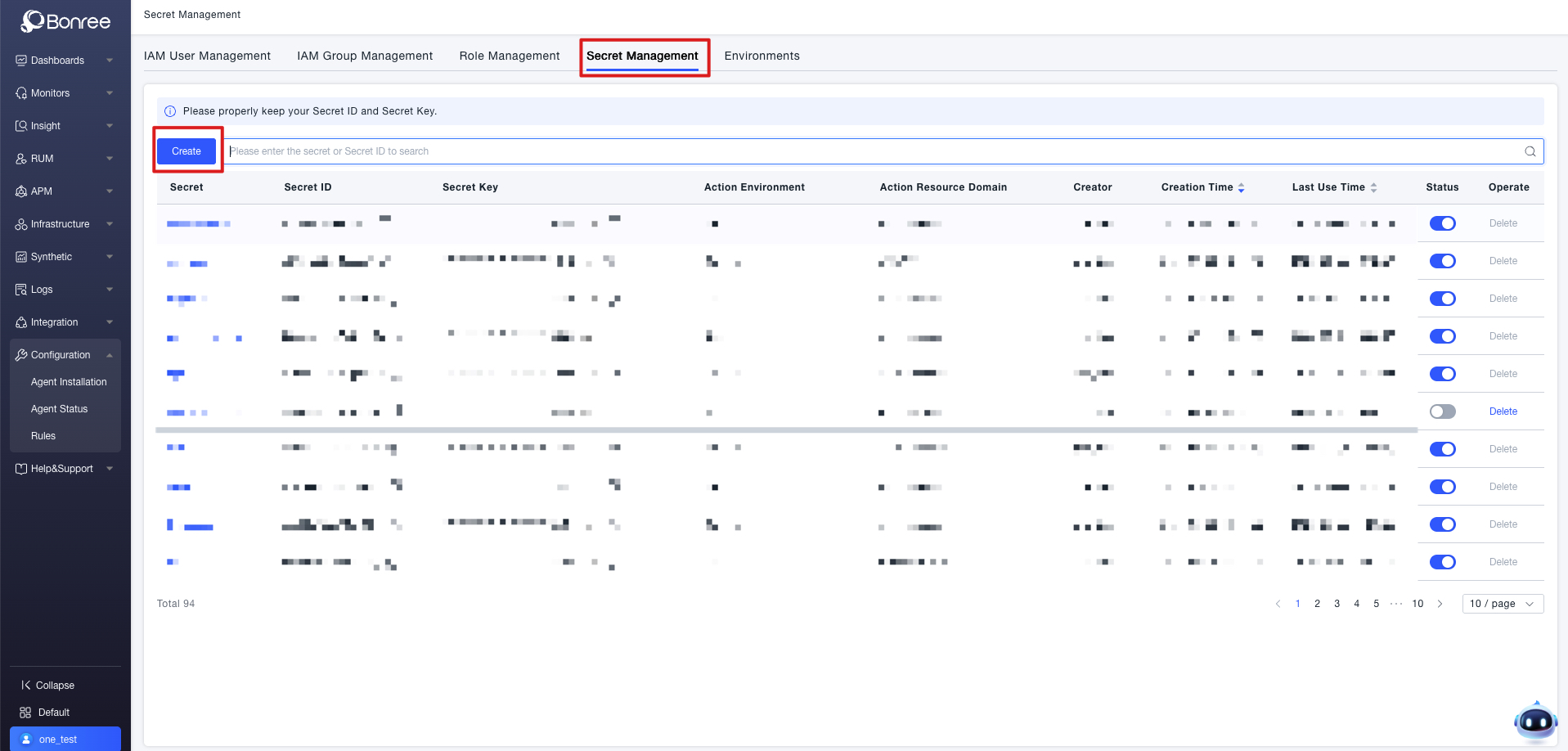
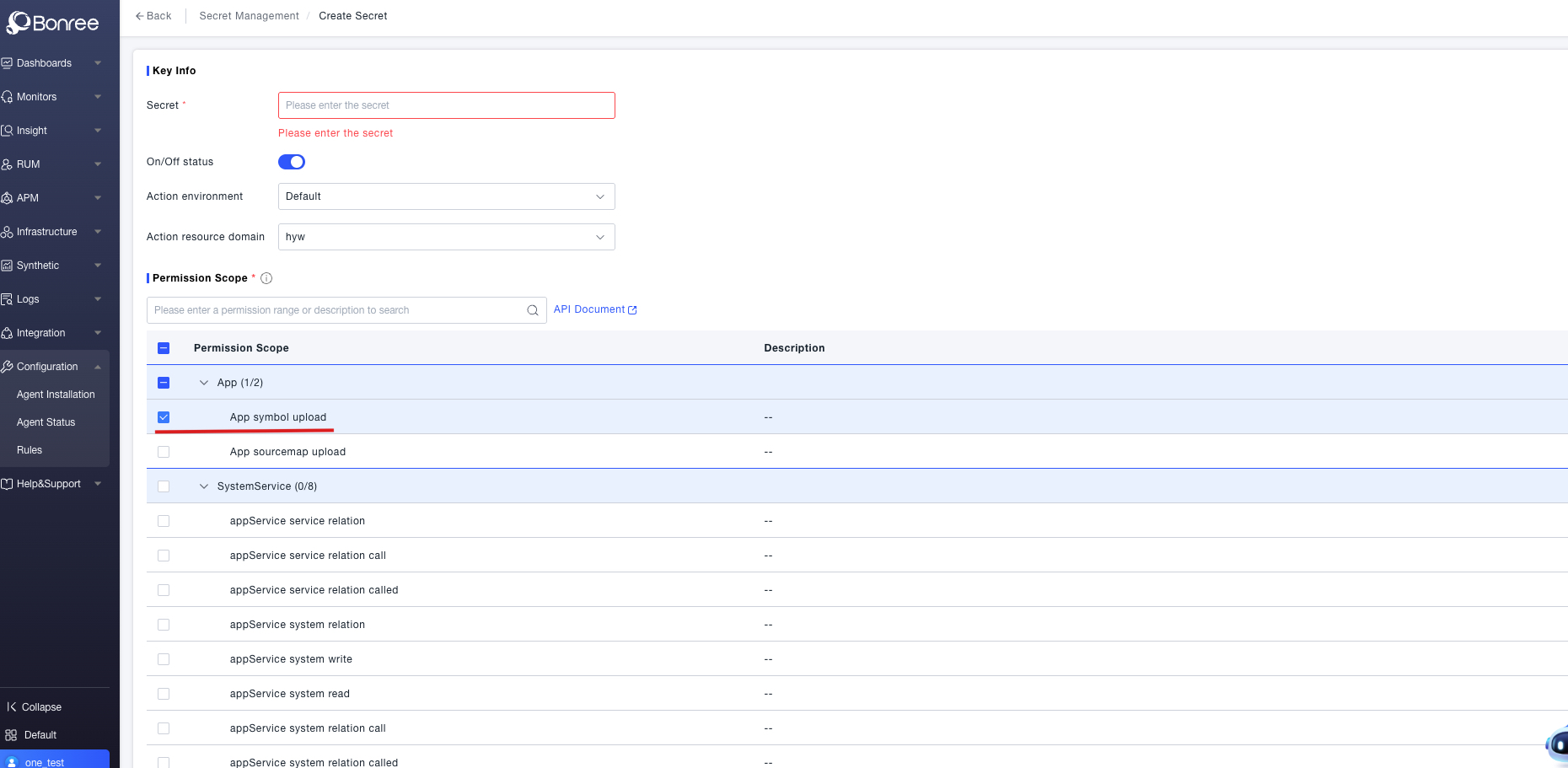
- On the creation page, fill in the
Secret Nameand checkUpload Symbol FileunderPermission Scope, then click OK at the bottom.
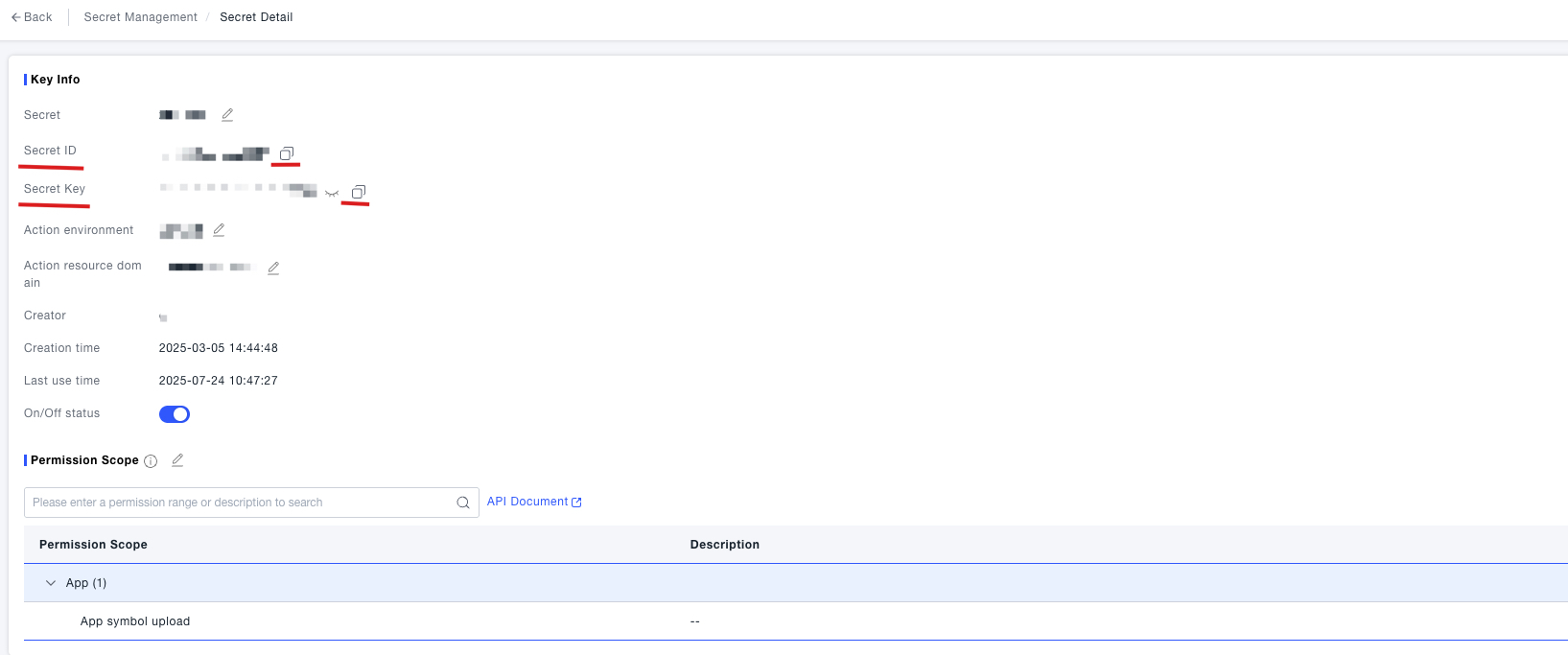
- In the Secret Management page, select the specific secret, copy the
Secret IDandSecret Key, and fill them into the script.
Application Version [Optional]
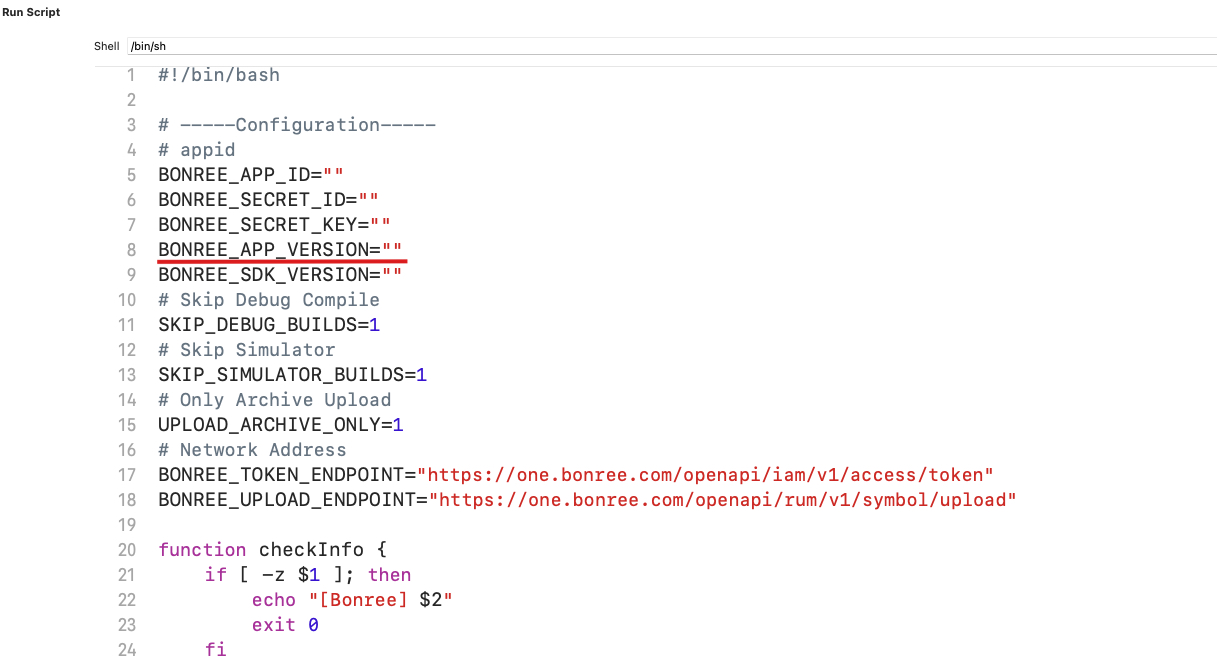
If you have customized the application version number via the probe's setAppVersion: method, you need to use your custom version number in the script. Otherwise, you do not need to fill this in; the version number configured in the project will be used by default.
Bonree SDK Version [Required]
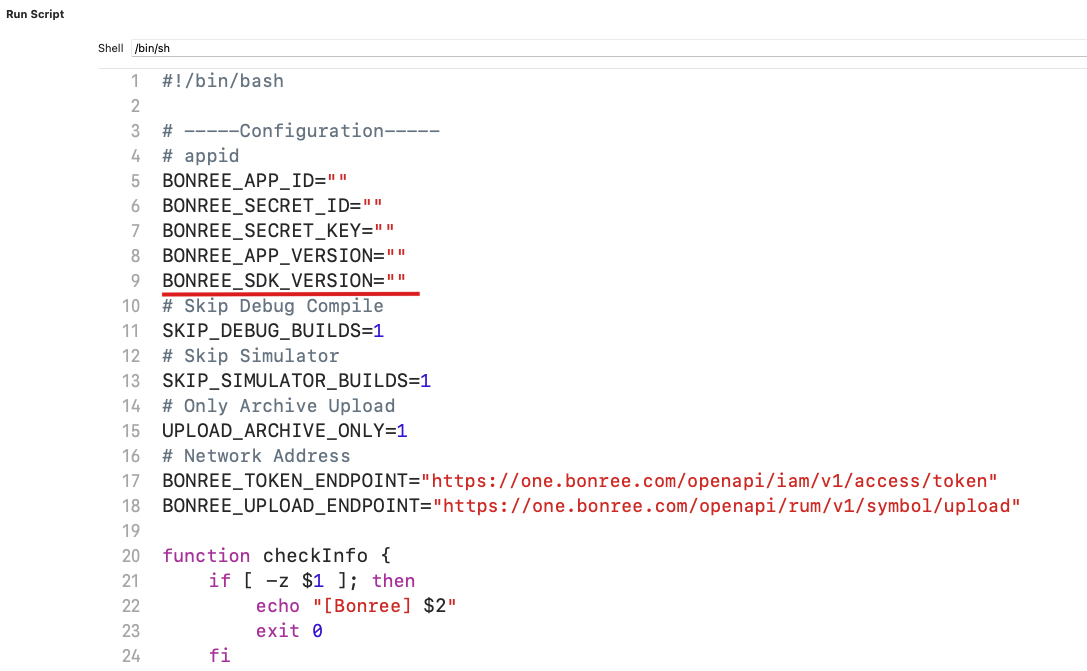
Fill in the version number of the currently integrated Bonree SDK. If the probe version is updated, synchronously update the value of this variable.
Skip Debug Builds
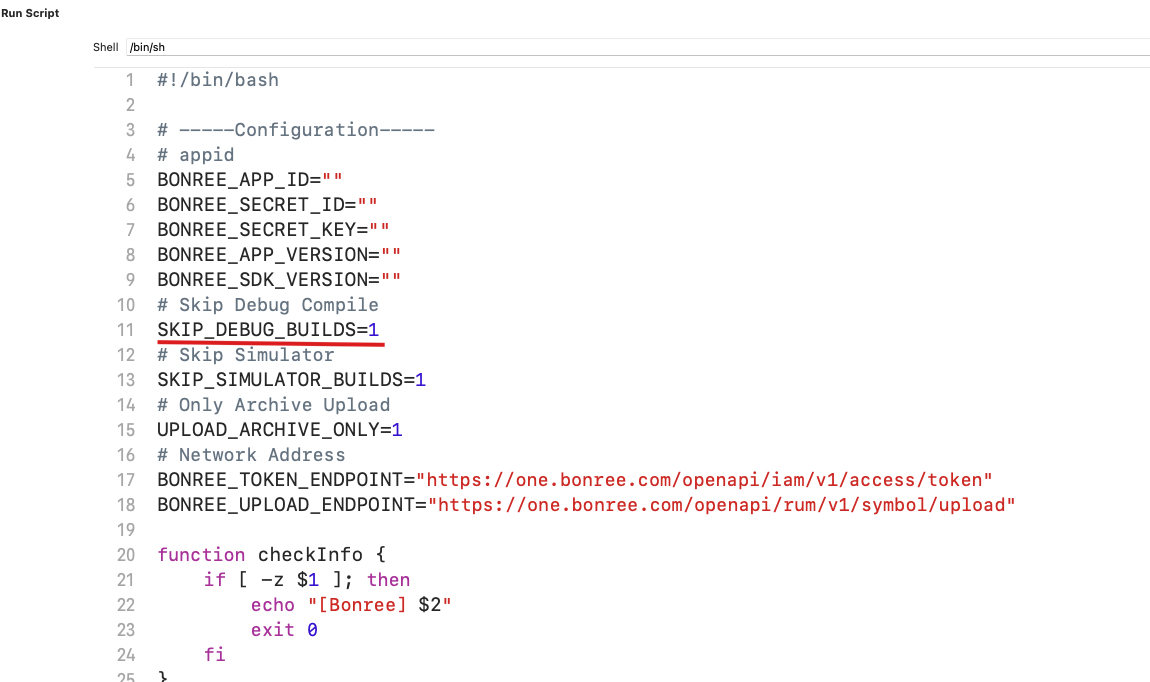
When set to 1, symbol tables will not be uploaded during builds in DEBUG mode.
Skip Simulator Builds
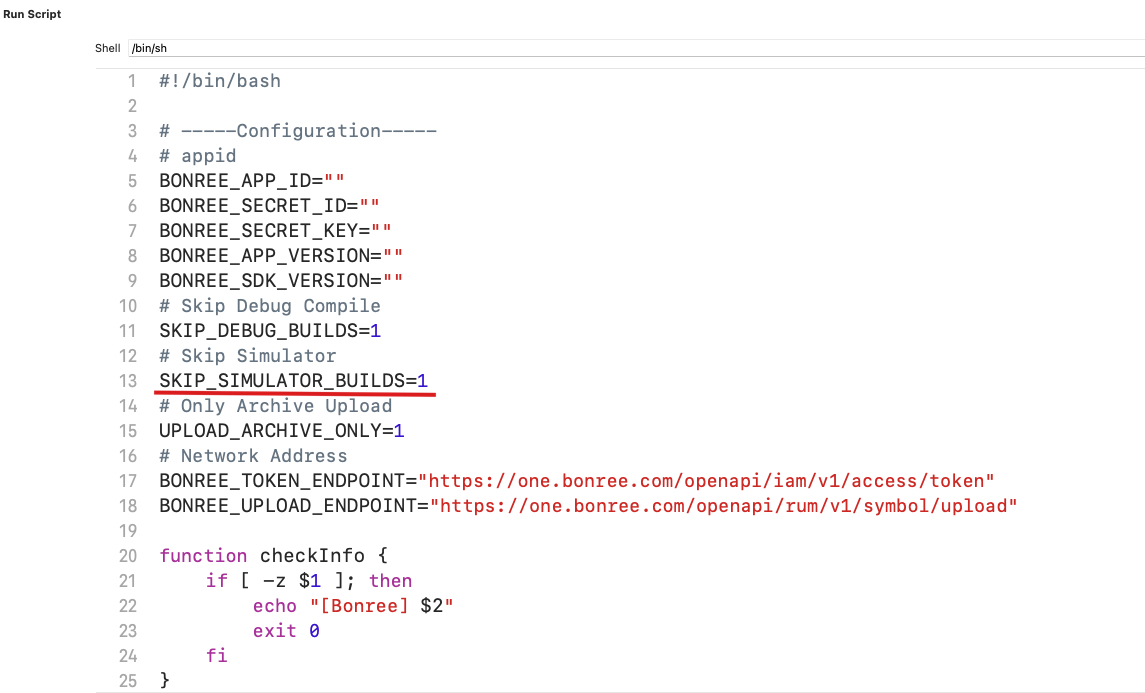
When set to 1, symbol tables will not be uploaded when the target device is a simulator.
Upload Only During Archive
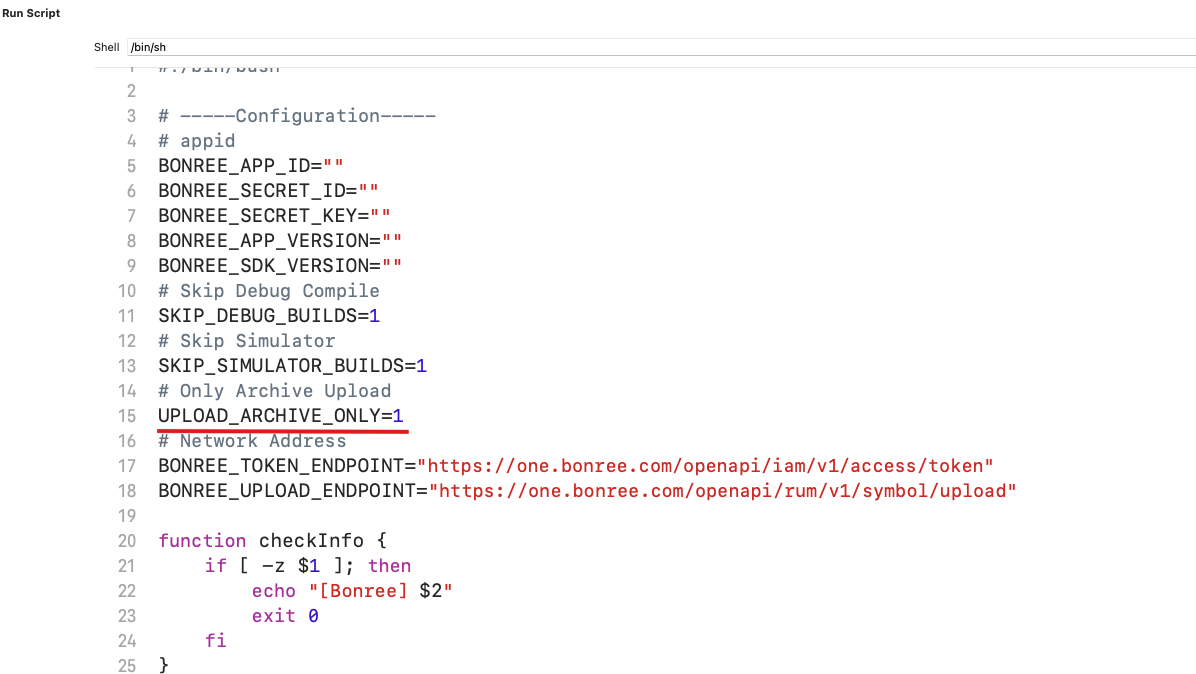
When set to 1, symbol tables will only be uploaded during Archive builds.
Request Endpoints
BONREE_TOKEN_ENDPOINT and BONREE_UPLOAD_ENDPOINT are the request endpoints used during the script upload process. Public cloud users do not need to modify these endpoints. Private deployment users should contact technical support to obtain the corresponding endpoints.