Magic Cube List
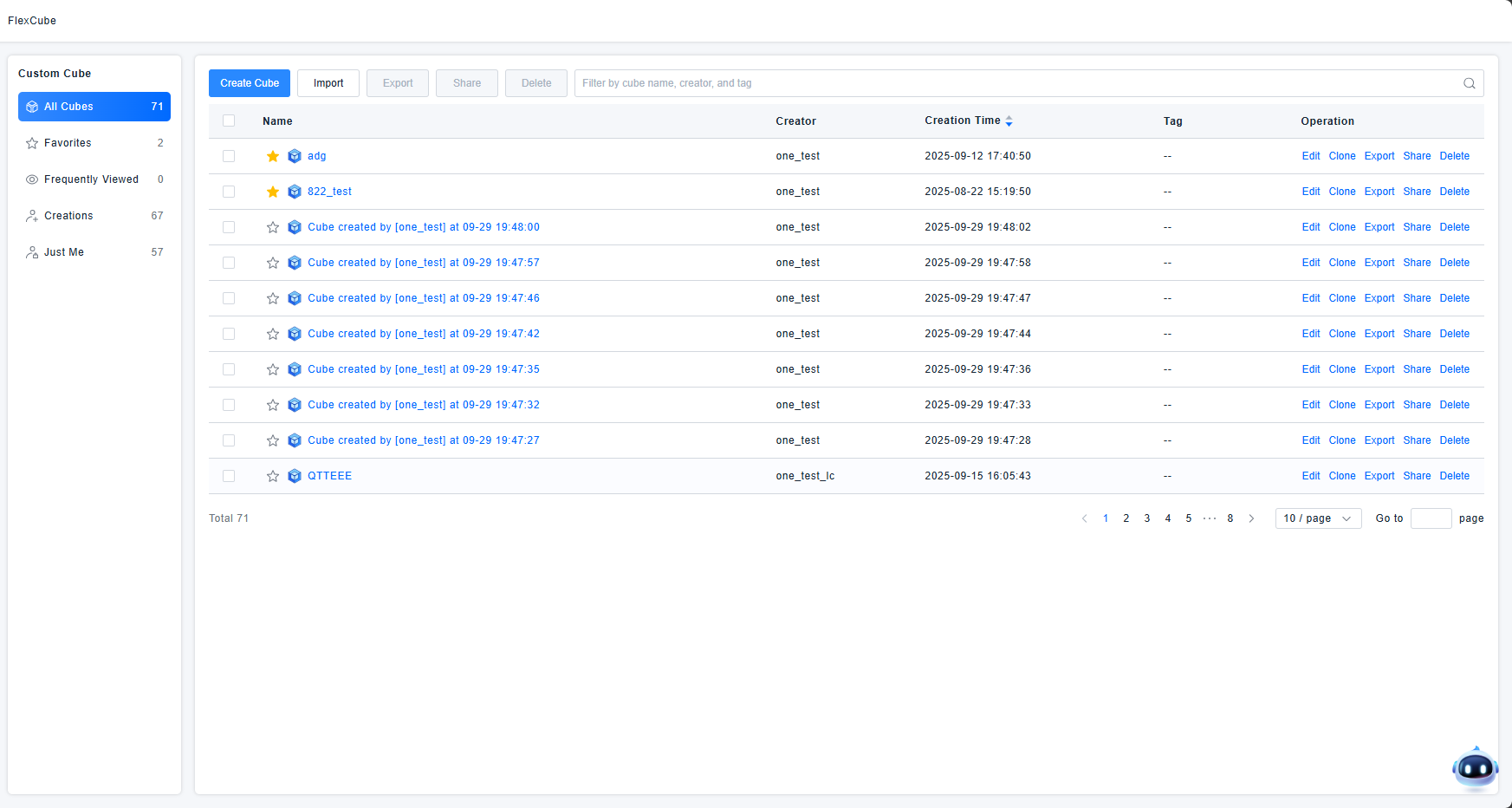
All Magic Cubes created under the current account, as well as those shared by other accounts, are displayed in a flat list. You can view Magic Cubes by different categories or search for specific ones using filters.
The logic and structure of the Magic Cube list are largely consistent with those of the Dashboard list.
Get Started
Magic Cube Categories
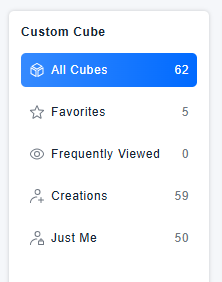
The Magic Cube list provides default categorizations based on different criteria. You can select these categories to view the corresponding Magic Cubes. The default categories include:
- All Magic Cubes: Displays all Magic Cubes accessible to the current account, including those you created and those shared with you by others.
- My Favorites: Displays only Magic Cubes you have marked as favorites. Each cube in this list is indicated with a favorite icon.
- Frequently Viewed: Displays Magic Cubes that have been opened more than twice in the past week.
- My Creations: Displays all Magic Cubes created by the current account.
- Private to Me: Displays Magic Cubes visible only to the current account. These are cubes you created and have not shared with any other users.
List View
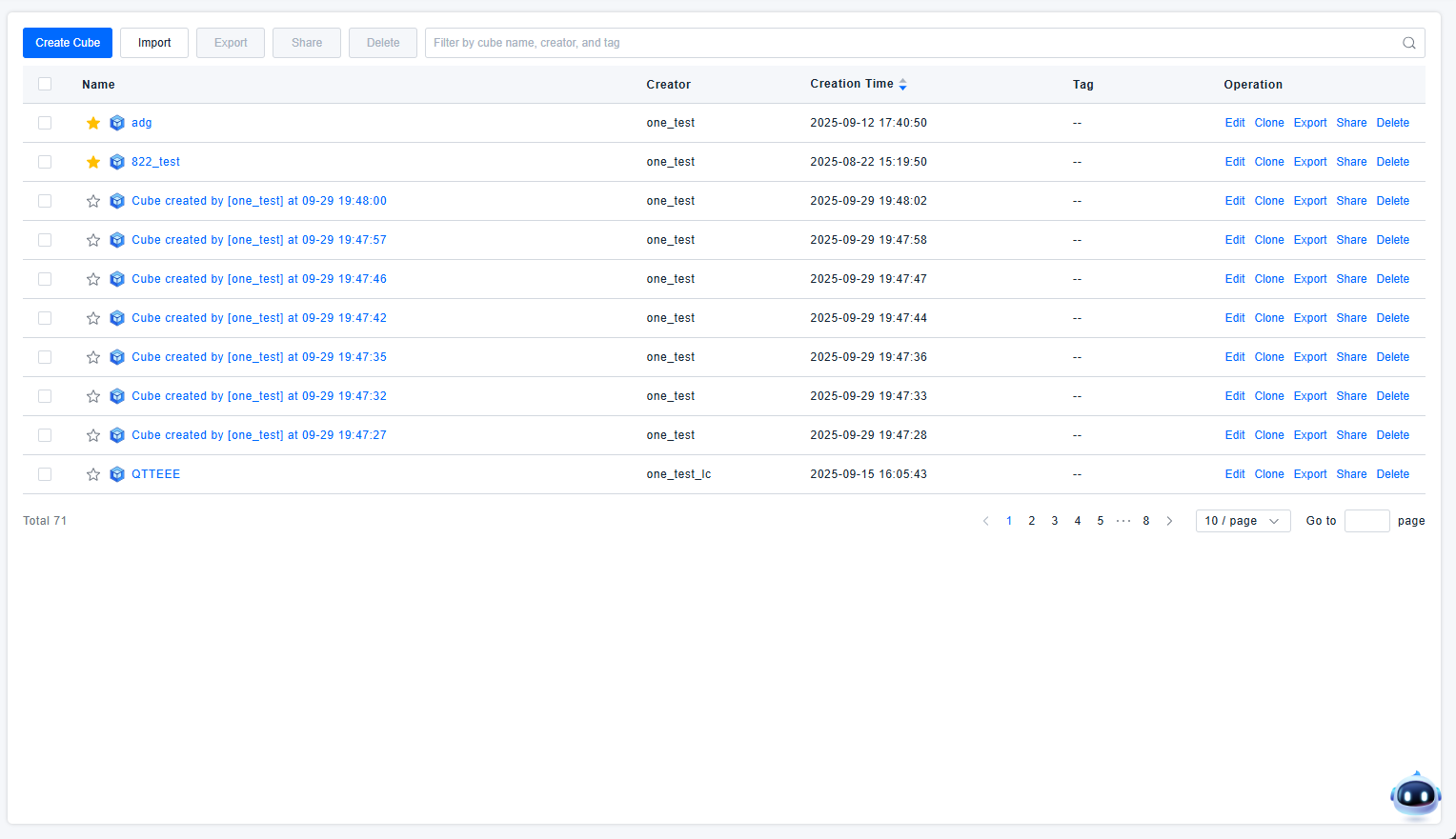
We present all Magic Cubes within the selected category in a list format. This view shows key information for each Magic Cube, such as its Name, Creator, Creation Time, Tags, and available Actions, making it easy for users to review and select the appropriate Magic Cube for their needs.
If you have a large number of Magic Cubes, you can also use the search/filter functionality to find specific ones by their Name, Creator, or Tags.