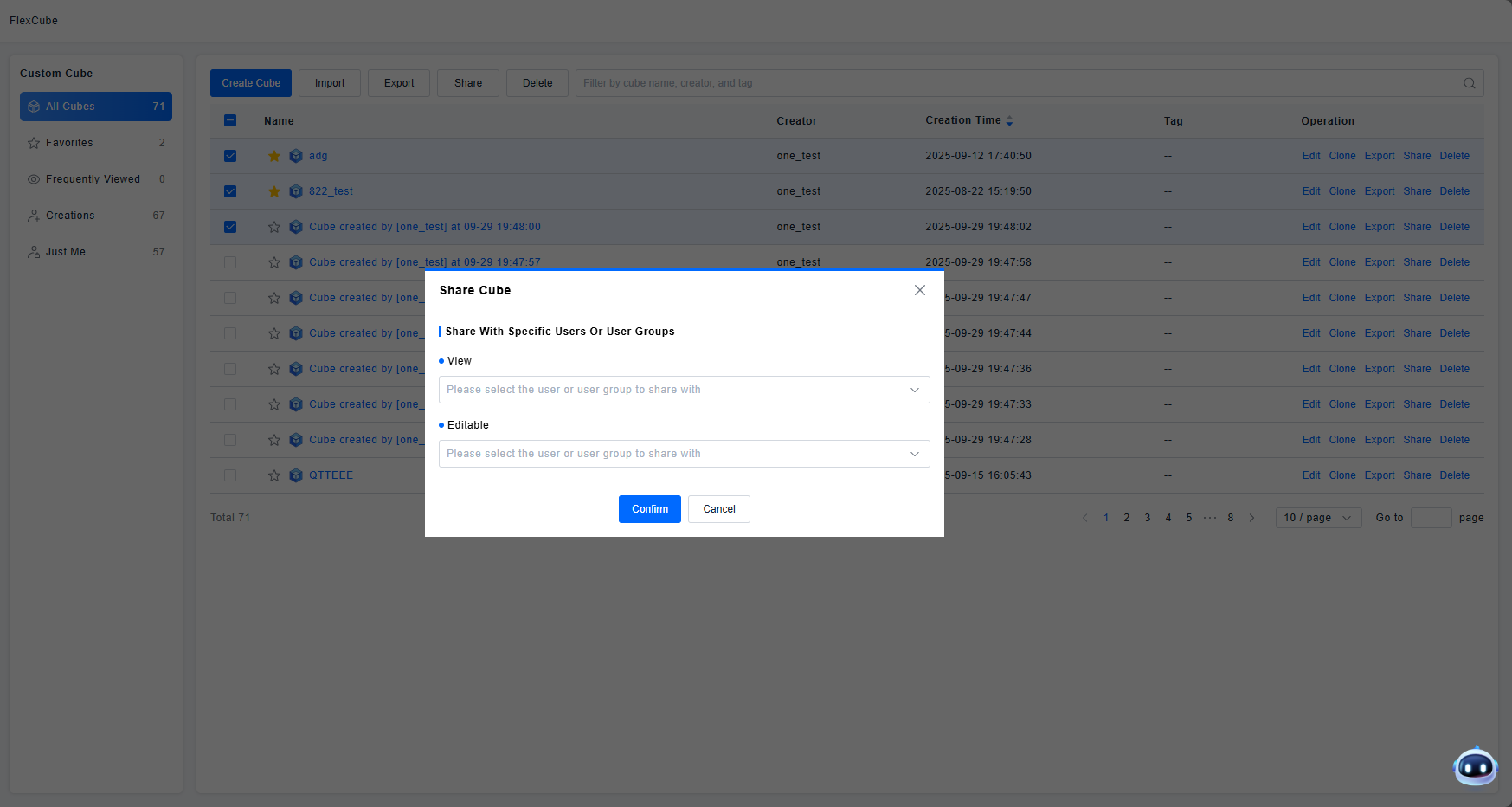
Sharing
Magic Cubes configured under each account on the ONE platform are isolated from one another. The sharing function allows you to share Magic Cubes between different accounts and control the permissions granted to those accounts, thereby enhancing collaboration among team members.
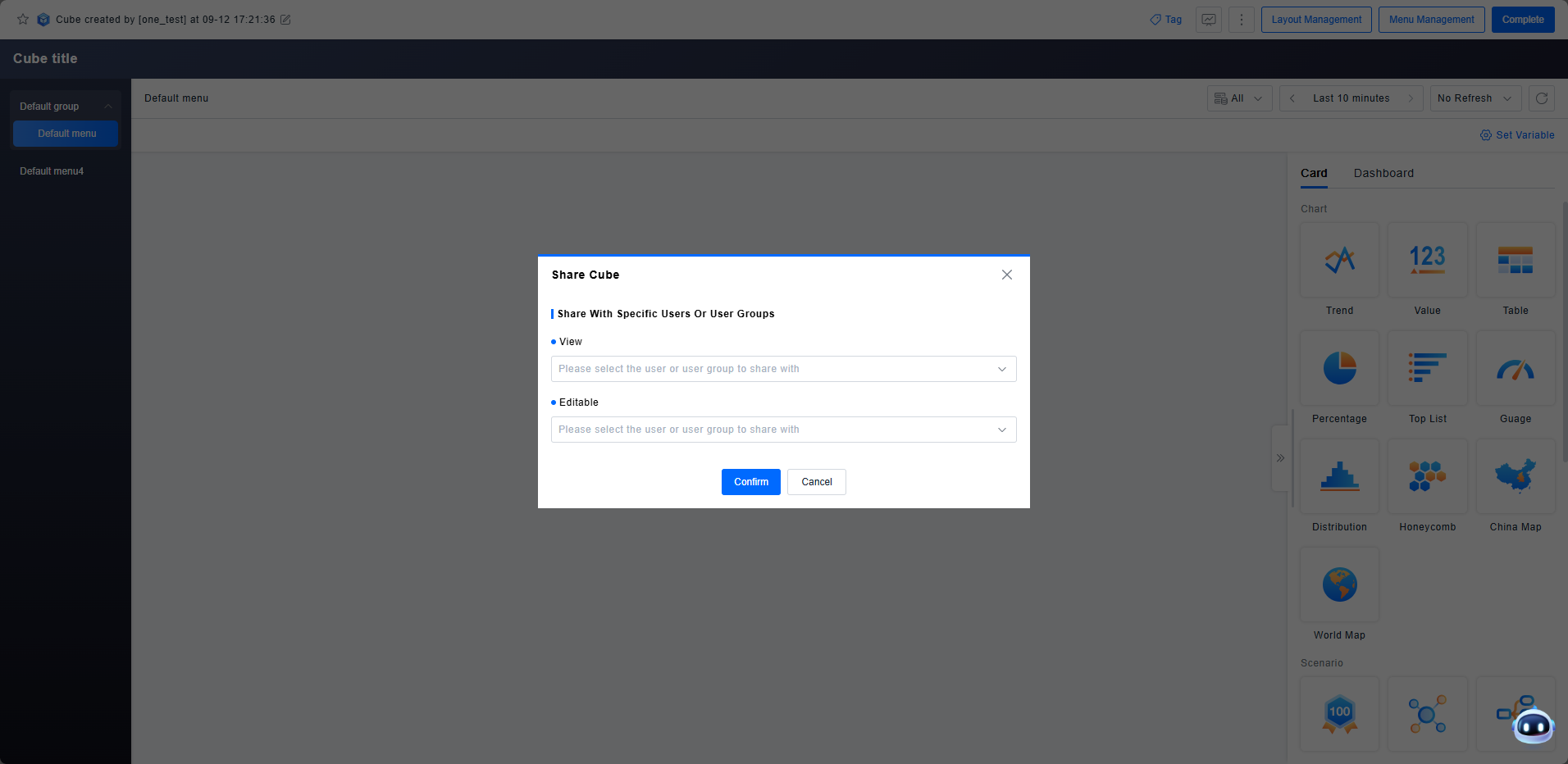
Get Started
View and Edit
Users can share a Magic Cube with specific users or user groups by selecting them and assigning either View or Edit permissions.
- View: Users with View permission can only view the shared Magic Cube's data. They cannot perform editing operations such as modifying or deleting the Magic Cube.
- Edit: Users with Edit permission can modify the shared Magic Cube. Any changes made will be synchronized to all users who have View or Edit access to that Magic Cube.
Each Magic Cube contains one or more pages. It is not possible to generate an online link for sharing.
Bulk Sharing
In many scenarios, multiple Magic Cubes need to be shared across accounts. To facilitate quick sharing, we also provide bulk sharing capabilities.
From the Magic Cube list, you can select multiple Magic Cubes. Using the sharing dialog, you can then share all selected Magic Cubes at once with the same set of users and user groups.