Import/Export
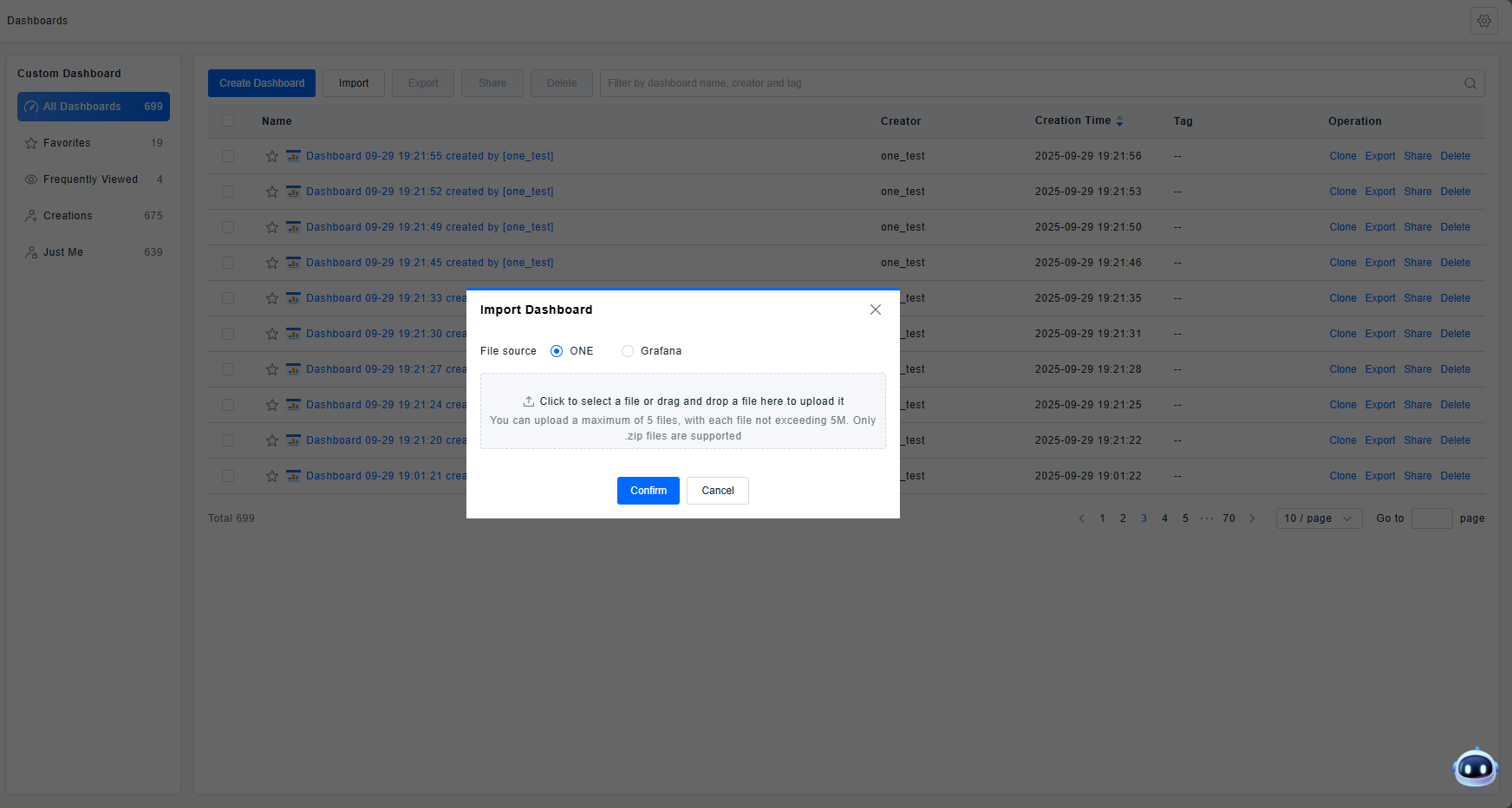
When users utilize the share function, they are sharing the same dashboard. Any edits made to the dashboard by any user are synchronized. If you need to migrate a dashboard between different accounts, the dashboard provides Import and Export functionality.
Use Cases
This feature is primarily used when different operations teams manage the same type of resources and need to monitor identical metric data or other observable data, enabling the quick generation of analytical dashboards.
Get Started
Import
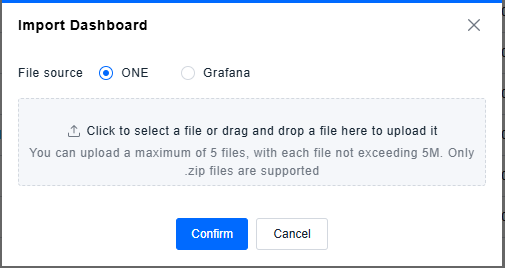
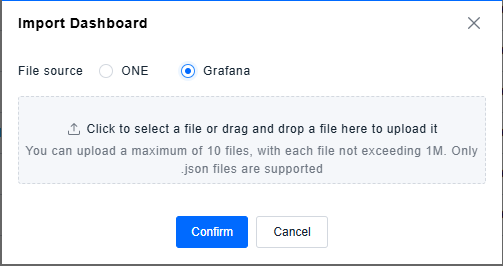
The Import function supports generating corresponding dashboards by uploading external files. Acceptable file sources include ZIP files exported from the ONE platform dashboards and JSON files exported by users from Grafana. You can select the appropriate file source and upload the relevant file.
ONE:
Grafana:
Import files can originate from the Grafana marketplace or from your commonly used Grafana dashboards. For guidance, please refer to Building a Grafana Dashboard.
If you want to build a new Grafana dashboard from scratch, you can consult the Grafana Official Documentation.
Export
Users can select a single dashboard or multiple dashboards from the dashboard list. Using the Export function will trigger the browser to automatically download a ZIP file. By importing this ZIP file into the dashboard interface of a different account, users can complete the dashboard migration.
Permission Notes
This functionality does not involve specific feature permissions. Any platform user can perform Import and Export operations.