Task Management
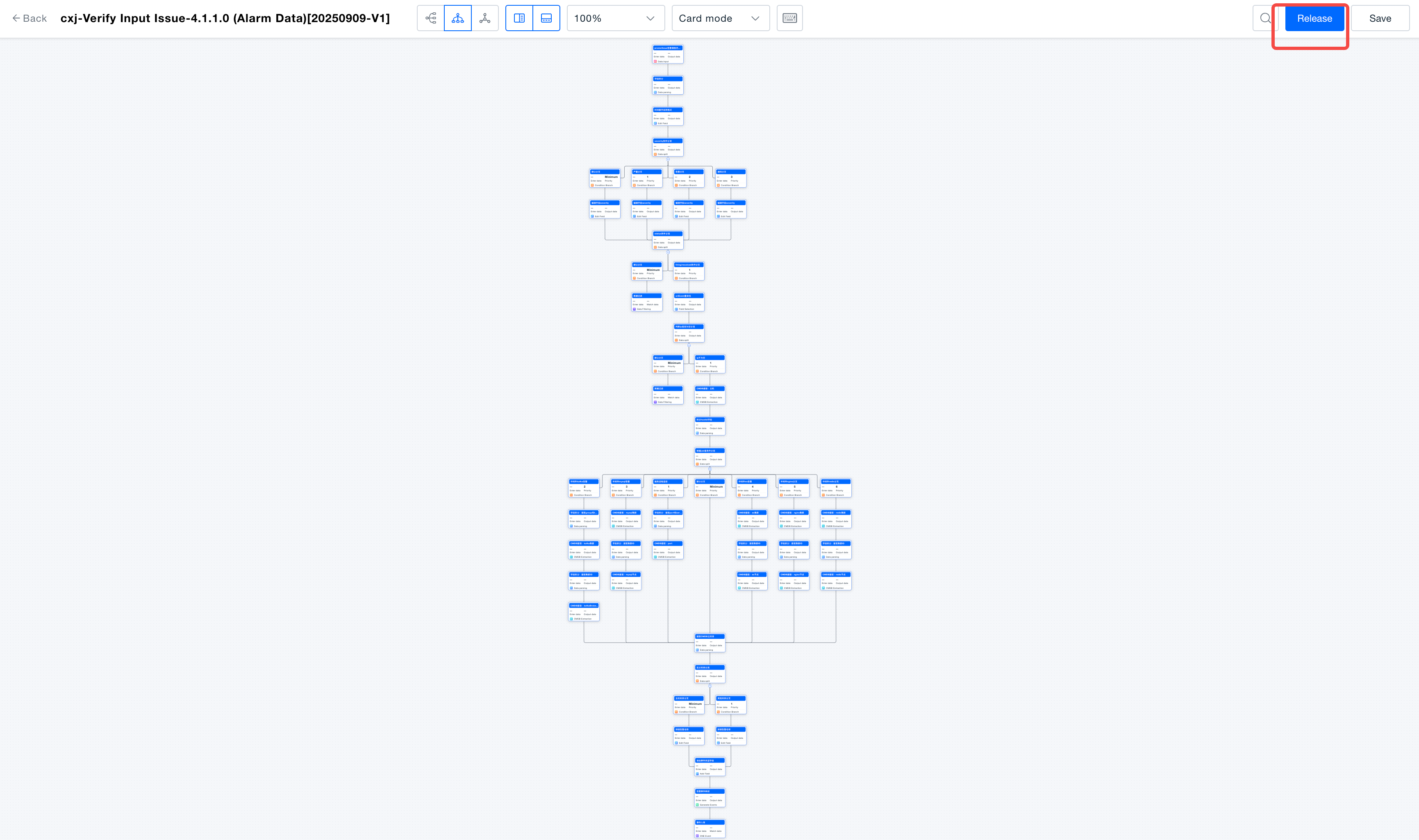
The ONE platform provides task-based management for the integration and processing of each data source. It ensures task-level isolation of source data, reducing the mutual impact of multi-source data integration. Each task has an independent data processing stream, and data streams are orchestrated using a visual low-code engine.
Viewing Tasks
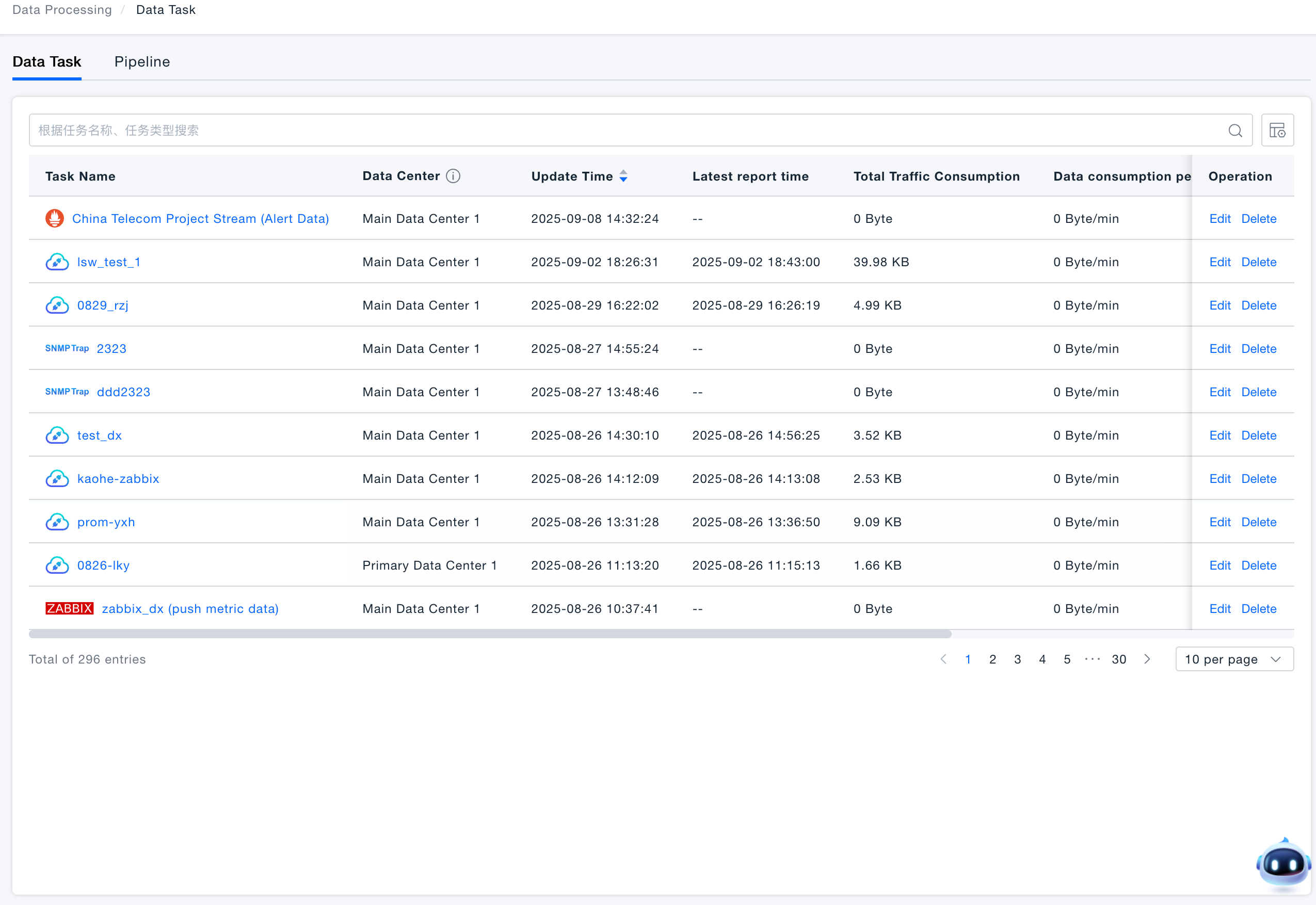
After successfully creating a data integration task, you can view all created tasks on the Data Integration → Data Processing → Data Tasks page.
In the task list, you can manage the created tasks, including modifying, deleting, starting, stopping, and querying them. The task status can be viewed in the Status column on the page: blue indicates the task is started, while gray indicates it is stopped.
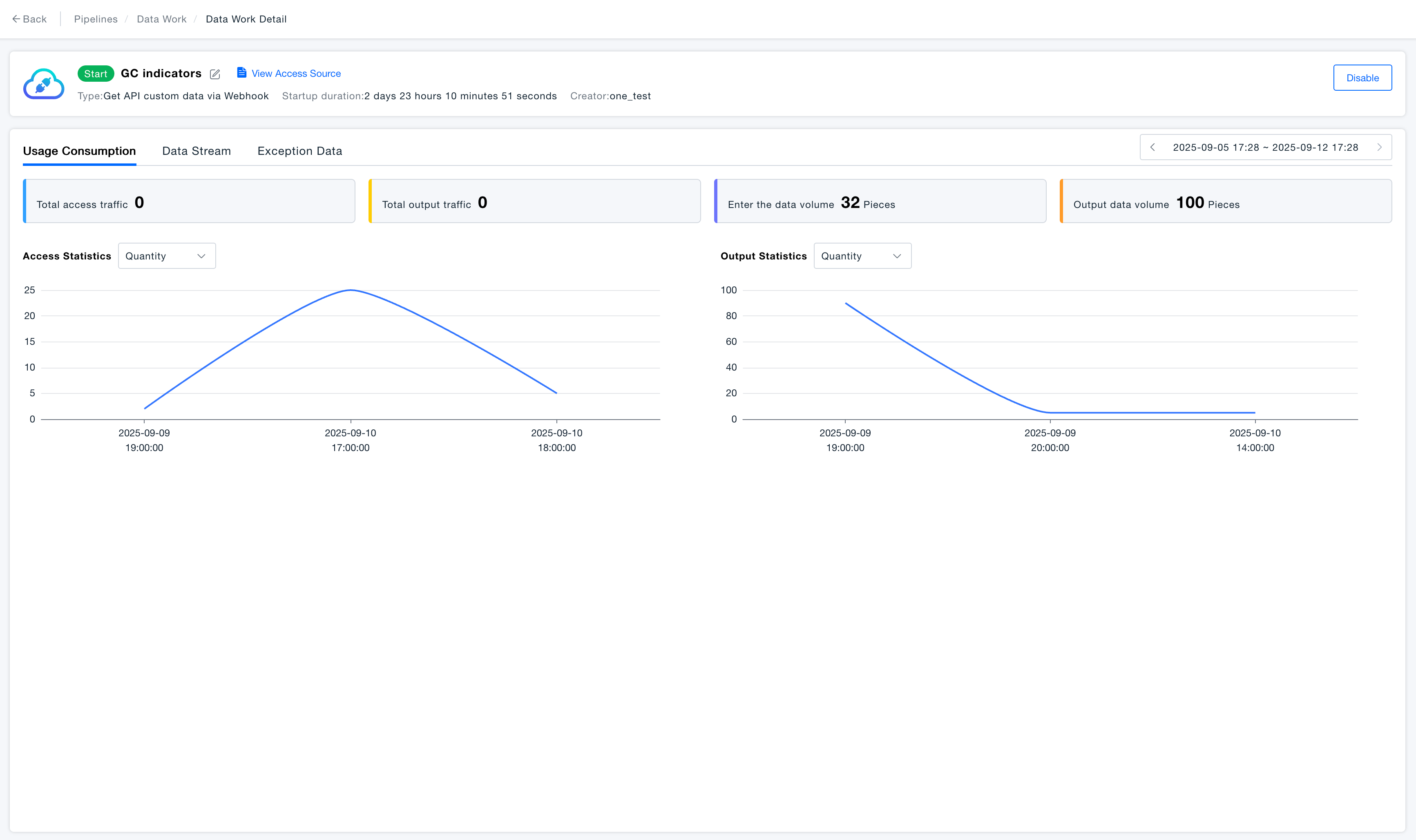
Viewing Task Usage
Click on a task name to enter the task details page and view the Usage tab.
Data stream Management
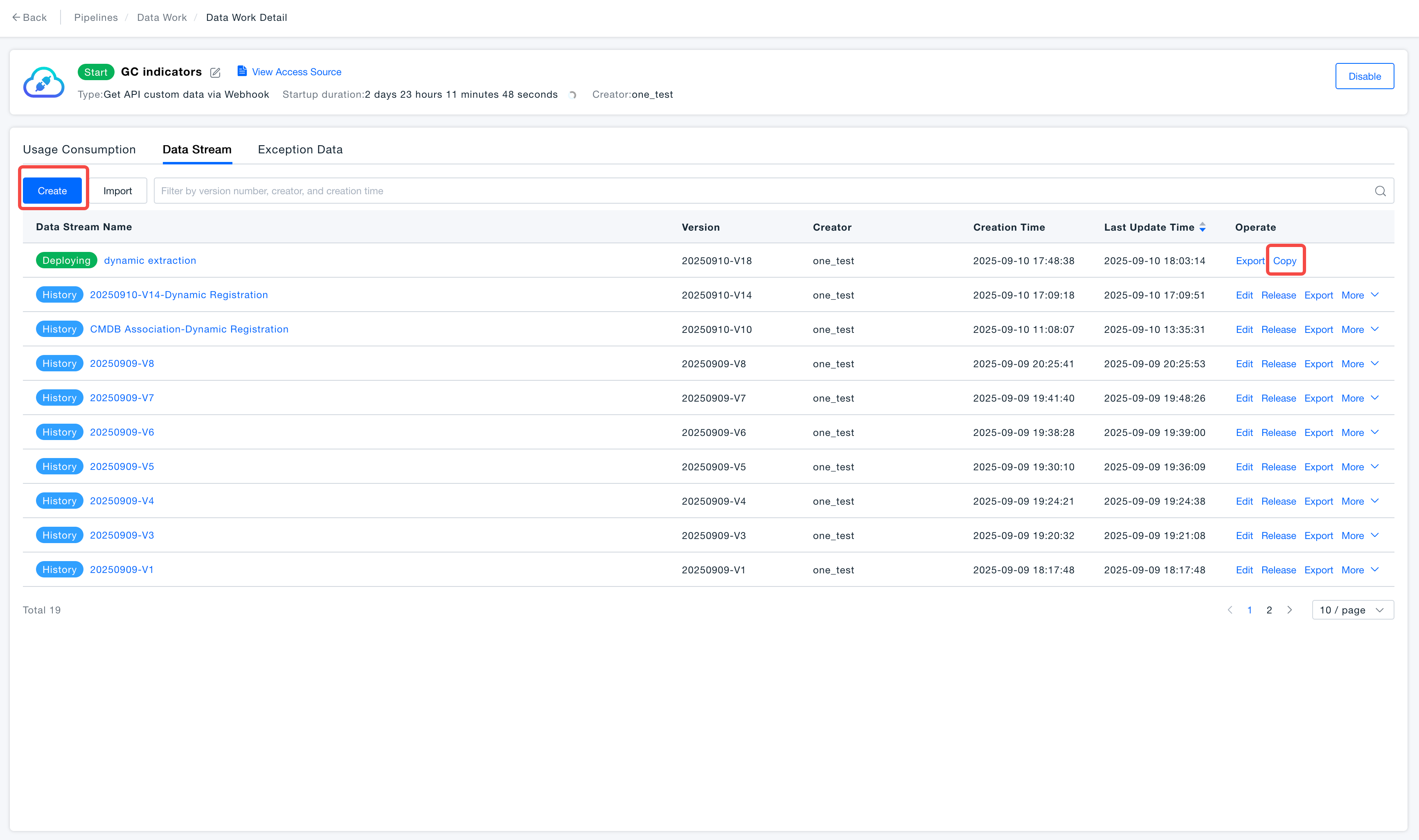
Each task corresponds to one data stream. A data stream can have multiple versions, but only one version can be in the deployed state at a time. All data received by the task will be processed by the deployed data stream.
Creating a Data stream
Under the task details, navigate to the Data stream tab. Use the Create button to create a new data stream, or select an existing data stream to duplicate it.
Editing a Data stream
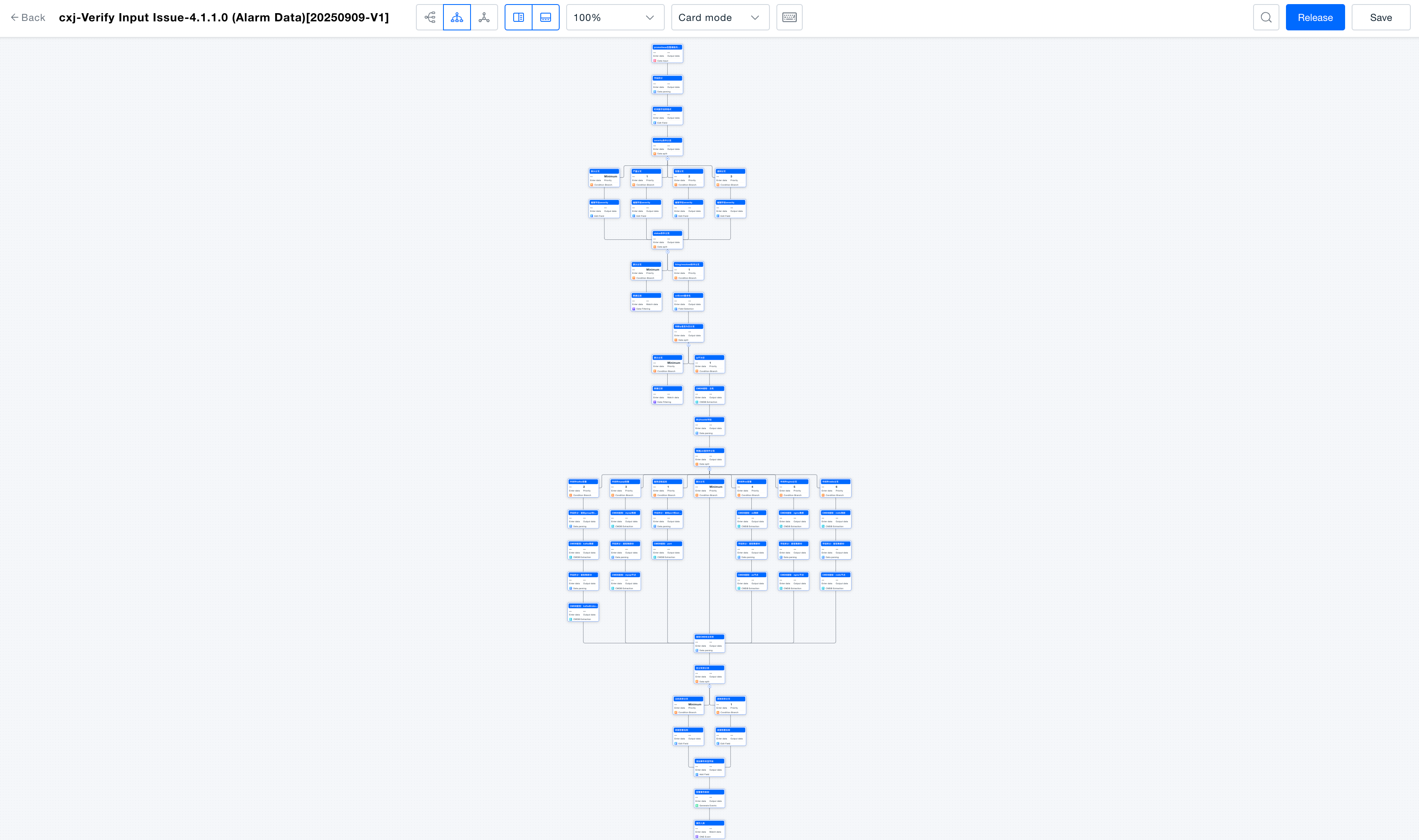
Select the data stream you want to modify and click the Edit button to enter the data stream editing page.
Release a Data stream
After editing the data stream, you can choose to save it or release it immediately. When the data stream status changes to Deploying, it indicates the release was successful. Once the data stream is successfully released, all data received by the current task will be processed according to the new configuration.