Client Log Integration
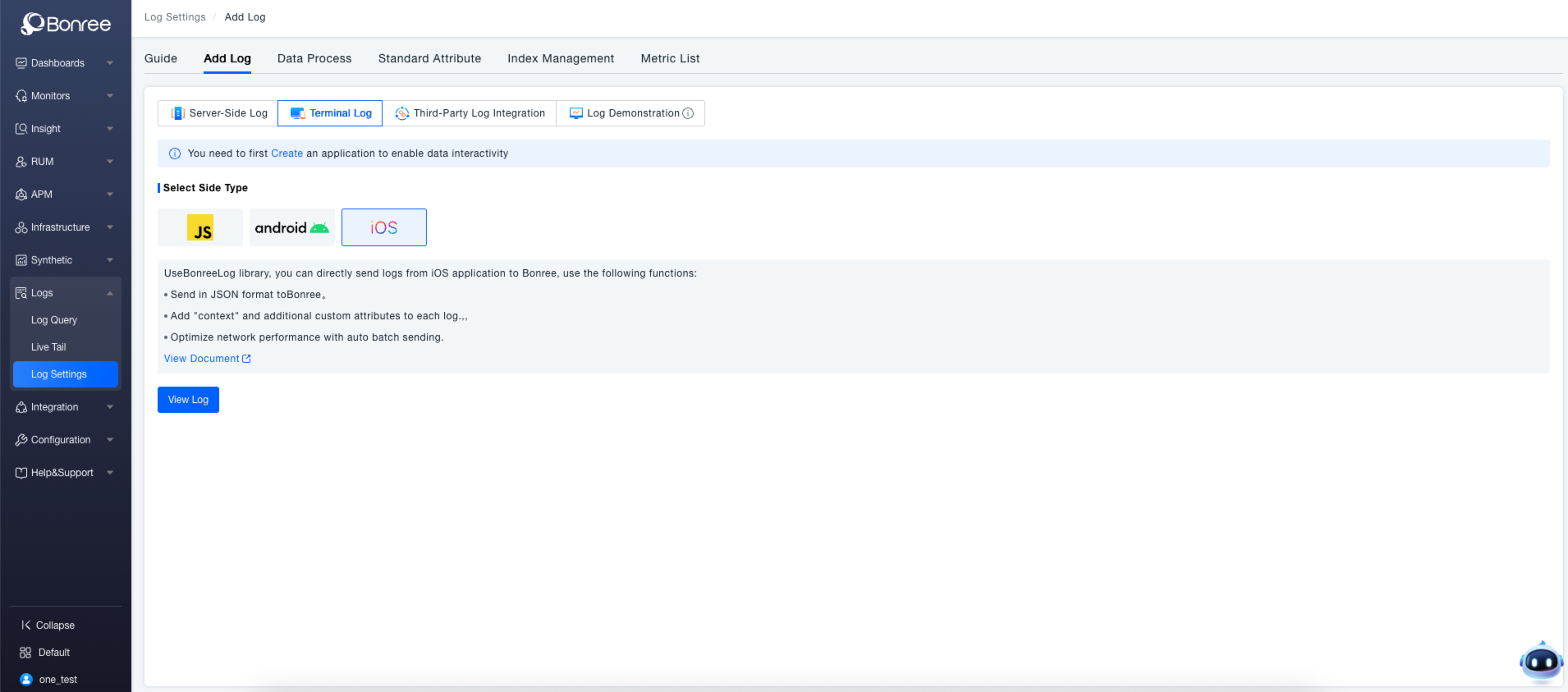
The platform supports log collection through the Log Agent, applicable to various client-side applications such as JS, Android, and iOS.
Prerequisites
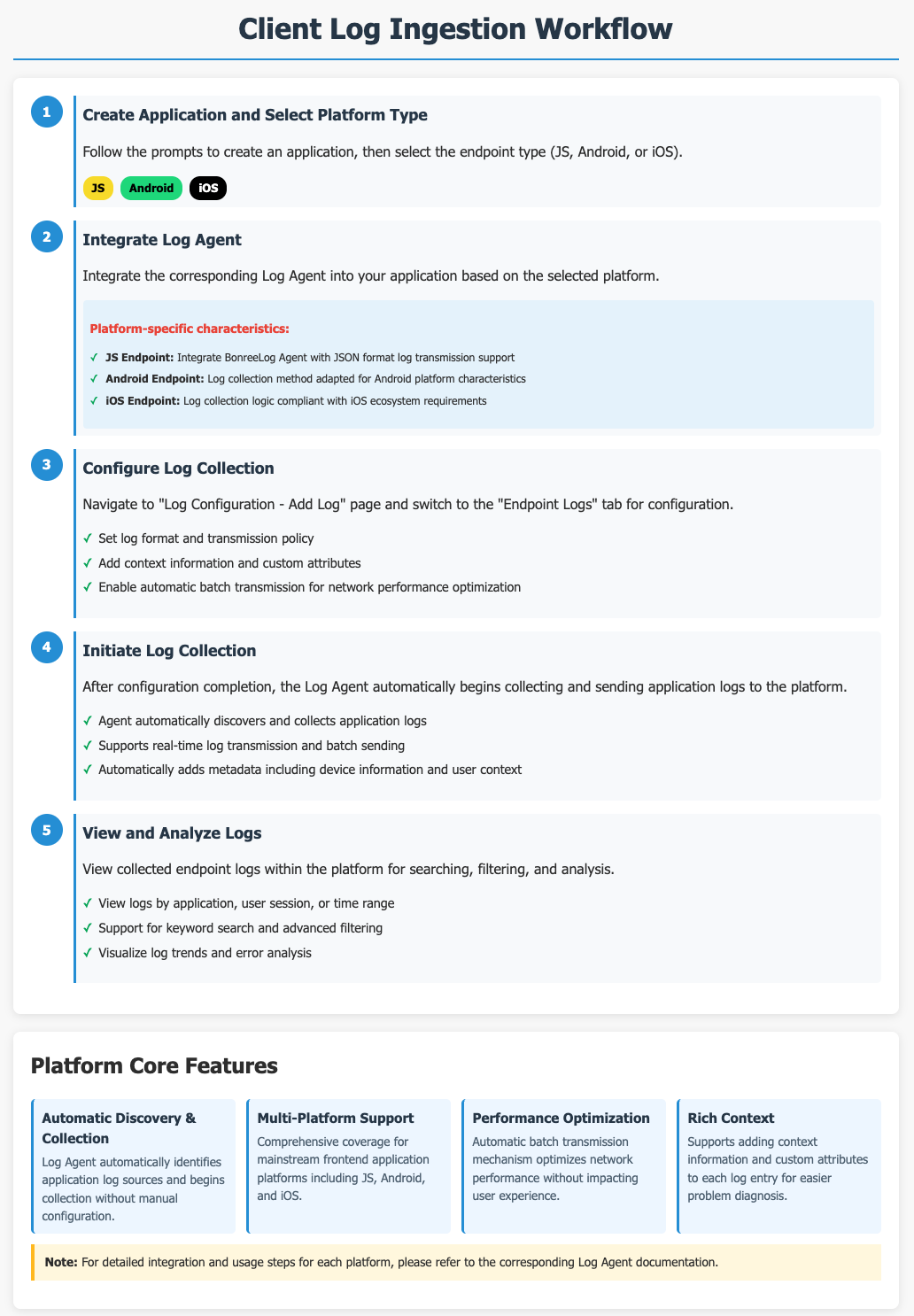
First, create an application as prompted, then select the client type (JS, Android, or iOS).
Getting Started
Navigate to the Log Configuration > Add Log page and switch to the Client-Side Logs tab.
JS Client
Integrate the Log Agent into your JS application to send logs directly to the ONE platform using BonreeLog. It supports sending logs in JSON format, enriching each log entry with contextual information and custom attributes. The automatic batching mechanism optimizes network performance, facilitating efficient integration and management of JS application logs. For detailed integration and usage steps, refer to the JS Client Log Agent Documentation.
Android Client
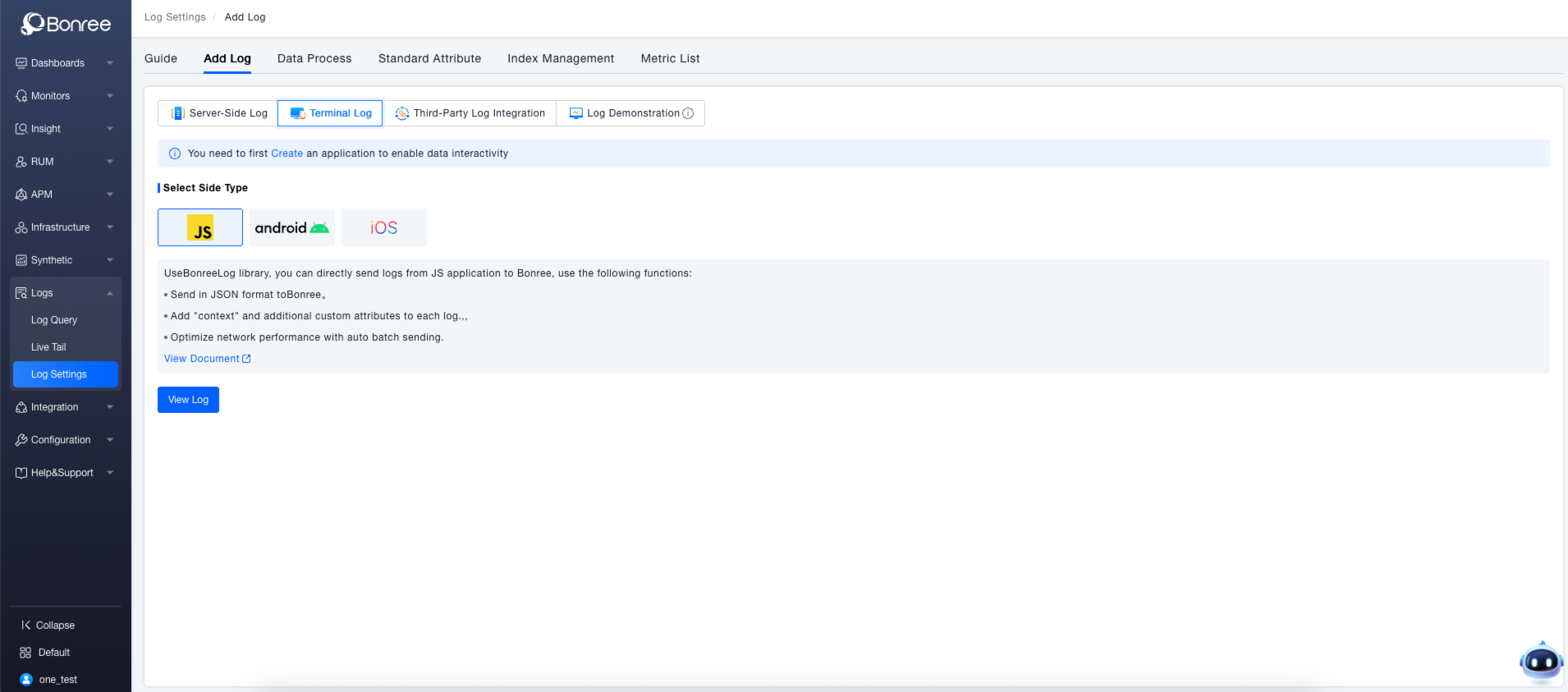
For Android applications, integrating the Log Agent enables seamless transmission of logs to the ONE platform. It employs log collection methods tailored to Android's specifics, sending logs in a platform-adapted format. The agent supports adding rich context and custom attributes to logs and includes features like automatic batching to optimize network performance, meeting the log integration and management needs for Android apps. For detailed operations, consult the Android Client Log Agent Documentation.
iOS Client
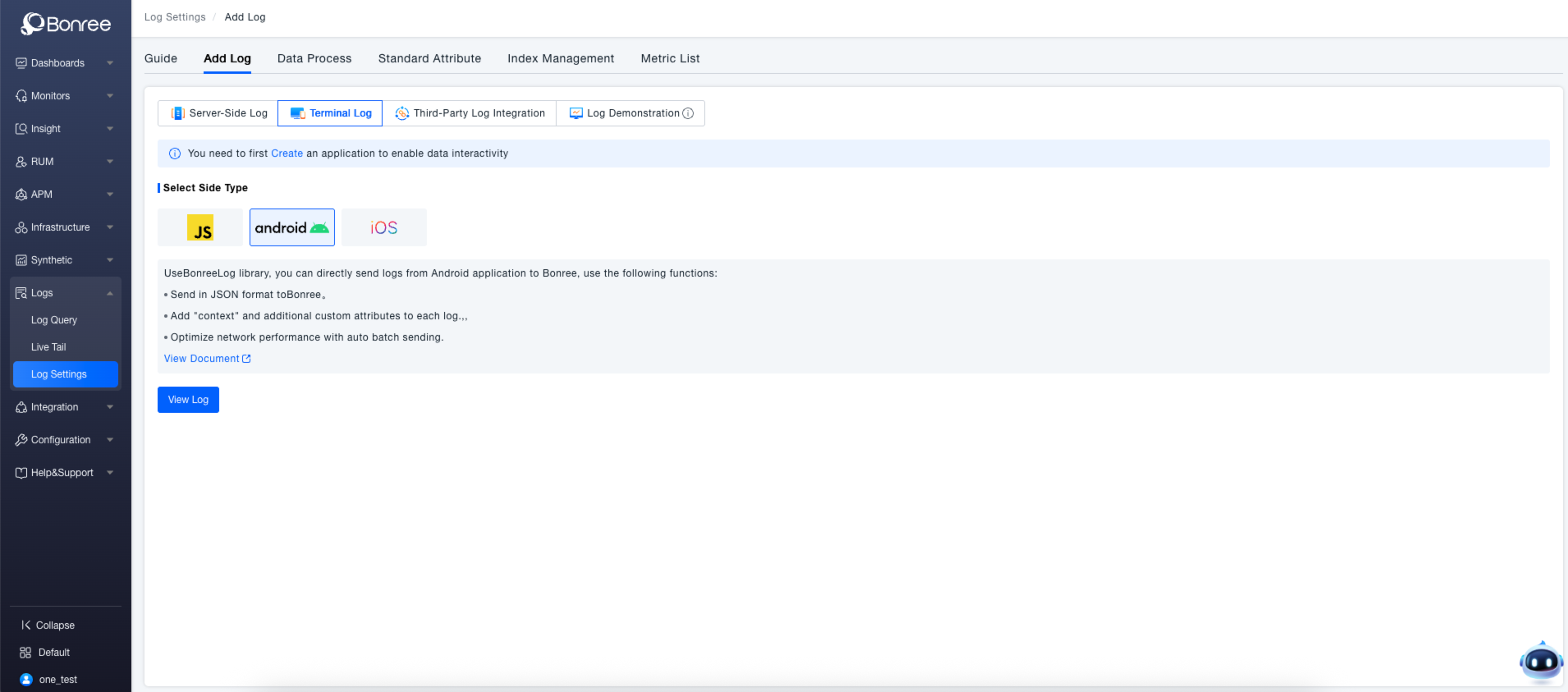
Integration of the Log Agent for iOS applications allows for smooth transmission of logs to the ONE platform. It adapts to iOS application log collection logic, supporting log transmission in a manner consistent with the iOS ecosystem. You can add context and custom attributes to each log entry and leverage automatic batching to optimize network performance, simplifying log integration and management for iOS applications. For specific usage instructions, see the iOS Client Log Agent Documentation.