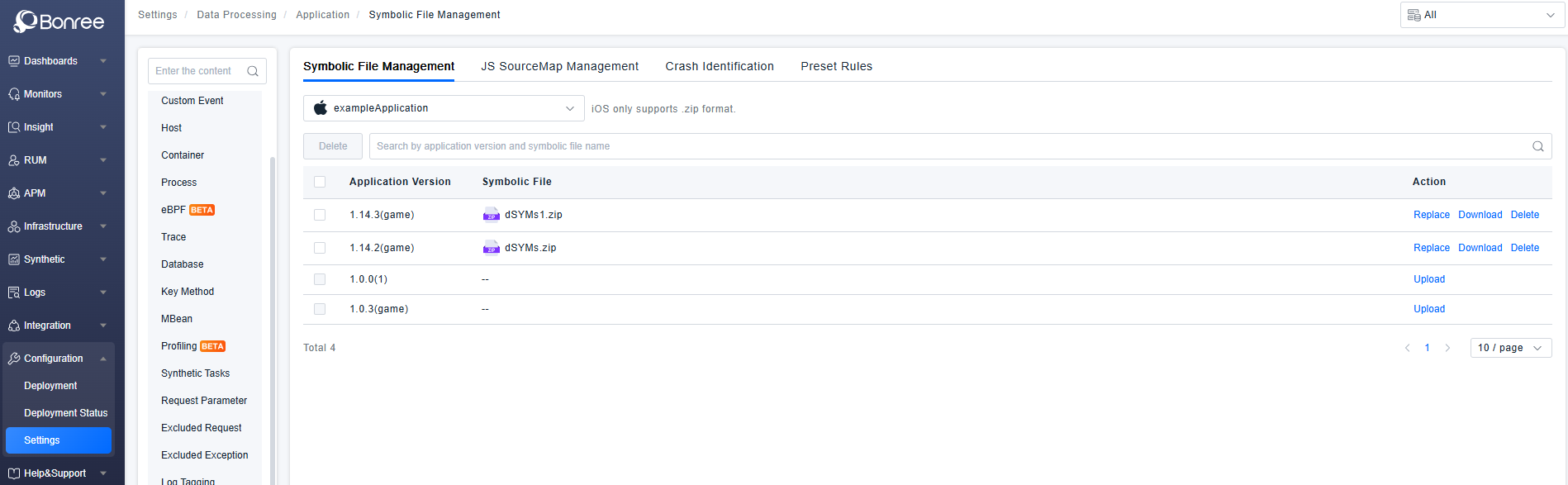
Symbolic File Management
Symbolic files are core files for restoring stack traces. They solve the problem of meaningless error messages, scrambled line numbers, and inability to locate source code in production environments due to build optimizations.
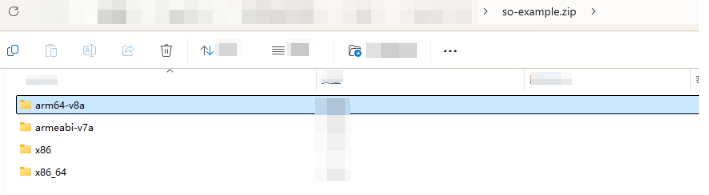
Directory Structure Requirements for Android Native Symbolication ZIP Package
The folder names arm64-v8a, armeabi-v7a, x86, and x86_64 cannot be changed, otherwise identification will fail.
Place the corresponding files into the arm64-v8a, armeabi-v7a, x86, and x86_64 folders. When packaging, select these four folders and compress them into a ZIP package for upload to the platform.
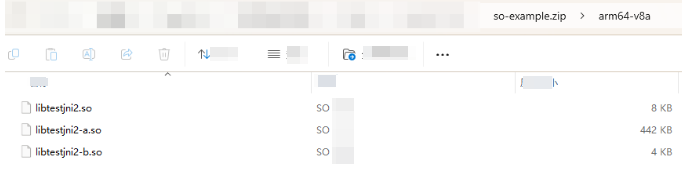
Directory Structure Requirements for HarmonyOS NEXT Native Symbolication ZIP Package
The folder name arm64-v8a cannot be changed, otherwise identification will fail.
Place the corresponding files into the arm64-v8a folder. When packaging, select the arm64-v8a folder and compress it into a ZIP package for upload to the platform.

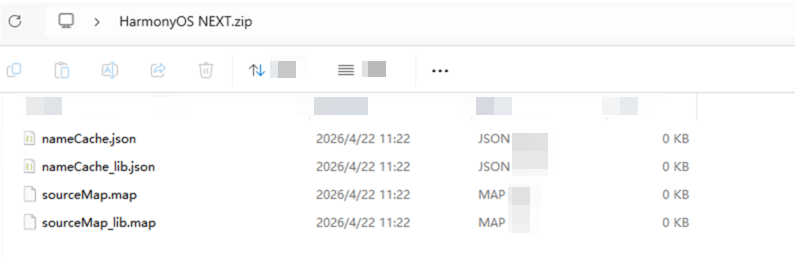
Directory Hierarchy Requirements for ArkTS Symbolication Zip Package on HarmonyOS NEXT
Only .map and .json files within the zip package or in subdirectories will be parsed. Multiple .map and .json files are supported.
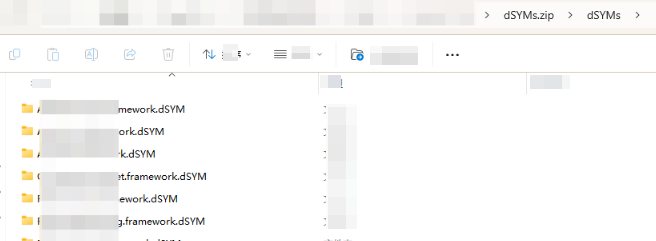
Directory Structure Requirements for iOS Symbolication ZIP Package
Place the corresponding folders into a dSYMs folder. When packaging, select the dSYMs folder and compress it into a ZIP package for upload to the platform.