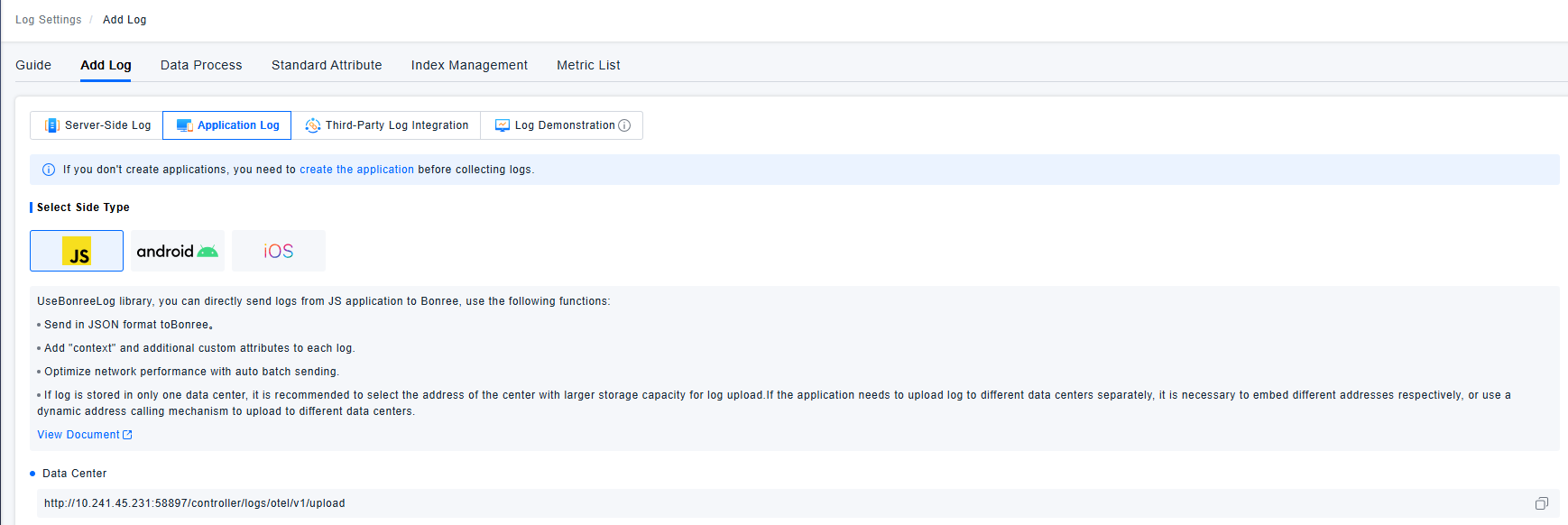
Logs
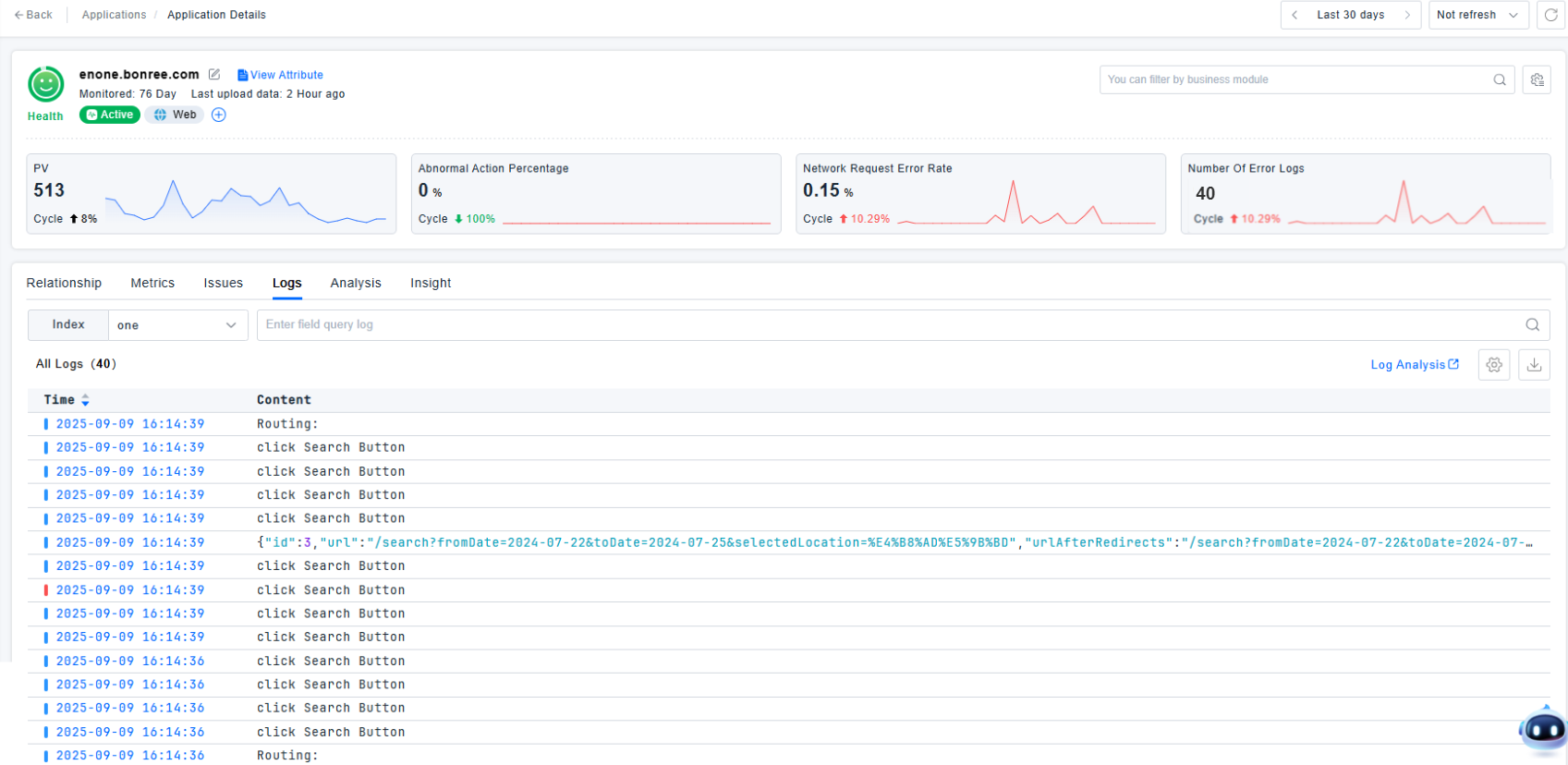
The integrated analysis of Real User Monitoring (RUM) and logs provides you with a comprehensive view of the application status. By combining frontend data in RUM (such as User Actions, Page performance) with backend services, infrastructure, and log information, you can quickly locate issues in any part of the technology stack and clearly understand the actual abnormal scenarios and experience bottlenecks encountered by users.
Getting Started
Add terminal logs through log configuration. When enabling Application logs, you need to set the Application ID to associate with the corresponding application. For details on how to enable Application logs, see Log API. For the use of the Log tab on the Application details page, see Log Query.