Exception Data
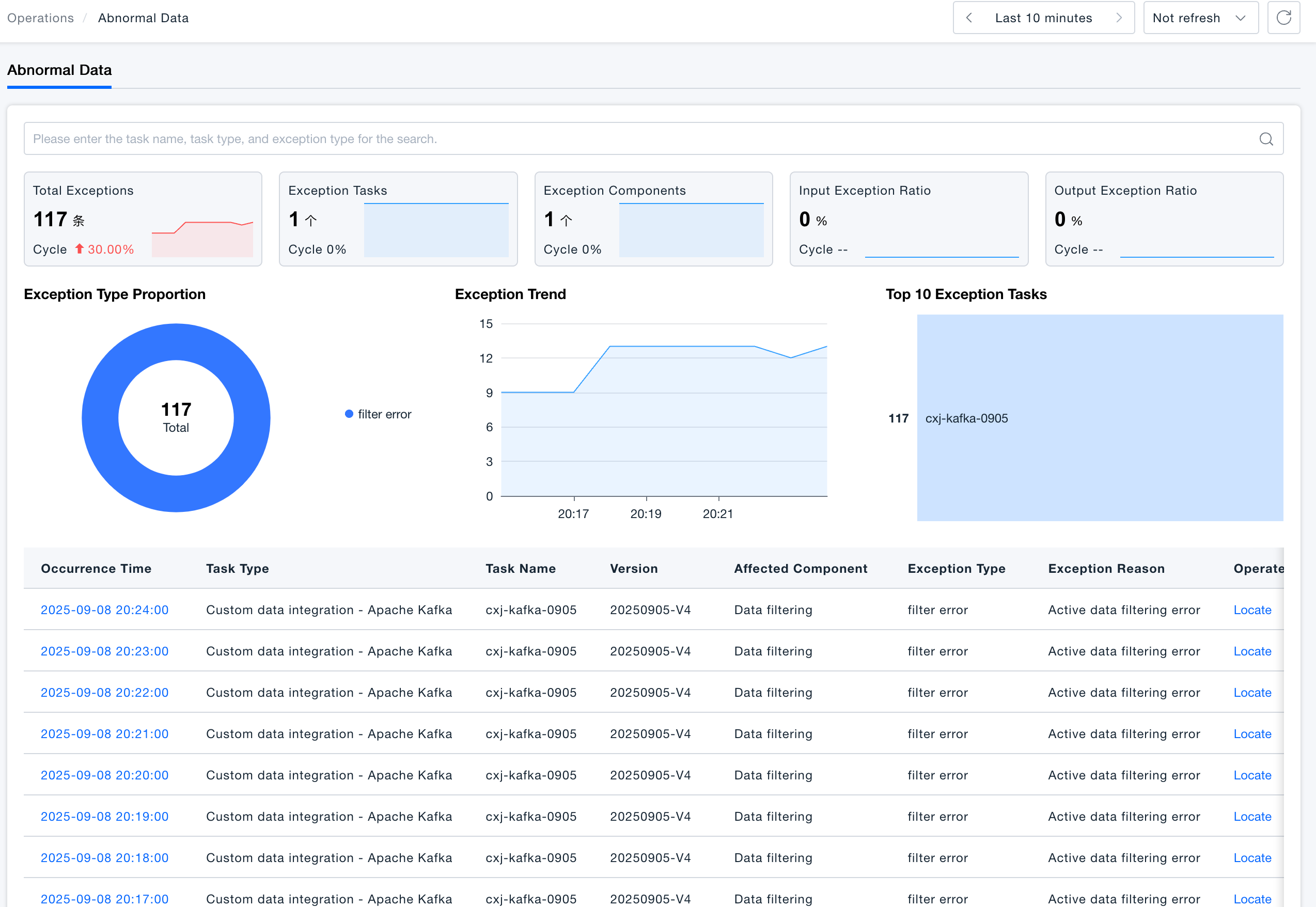
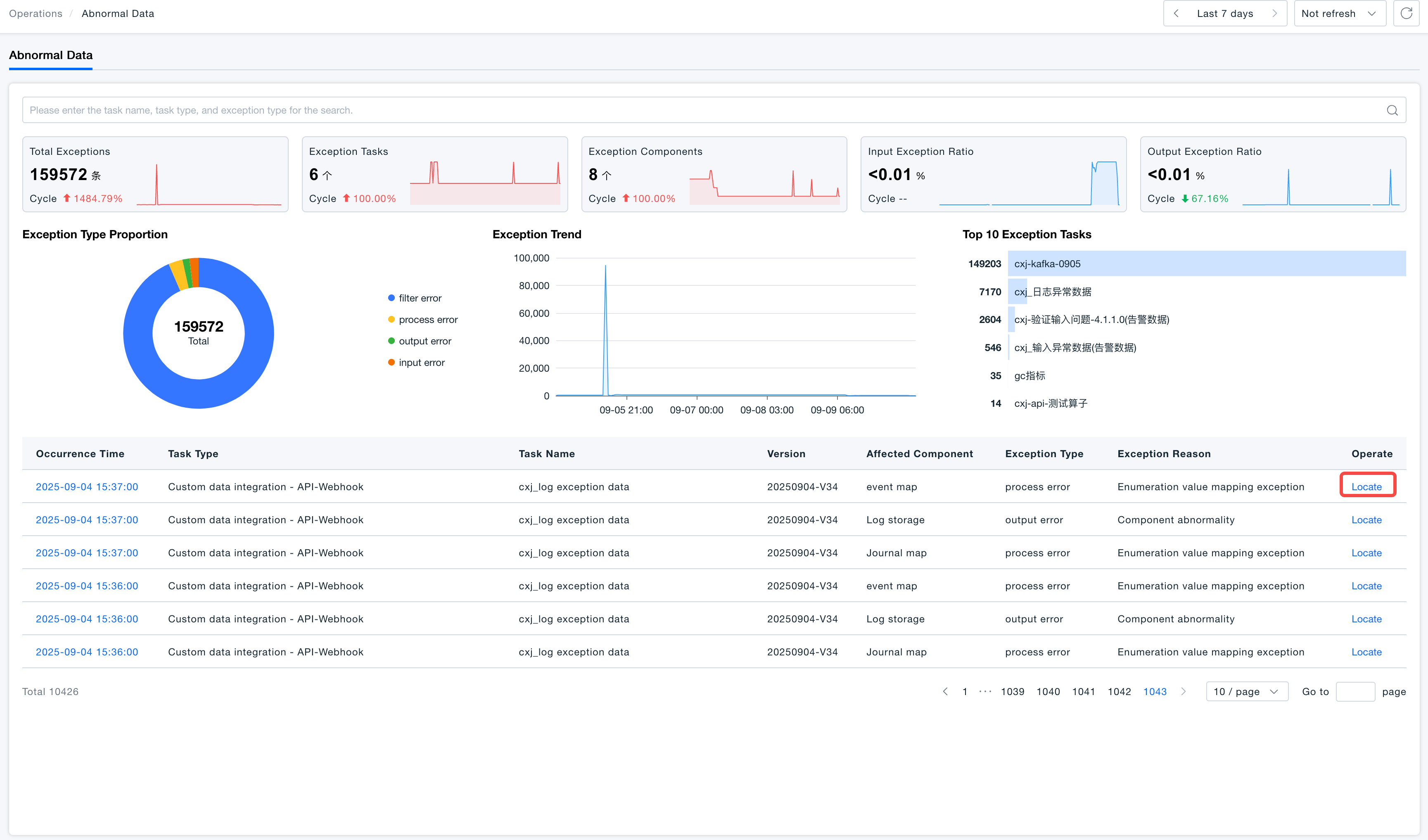
All exception data triggered during data processing will be reported to ONE platform, providing a clear overview of the overall status of ingested data. It supports rapid localization and simulation of exception data, delivering efficient troubleshooting and handling capabilities.
View Exception Cause
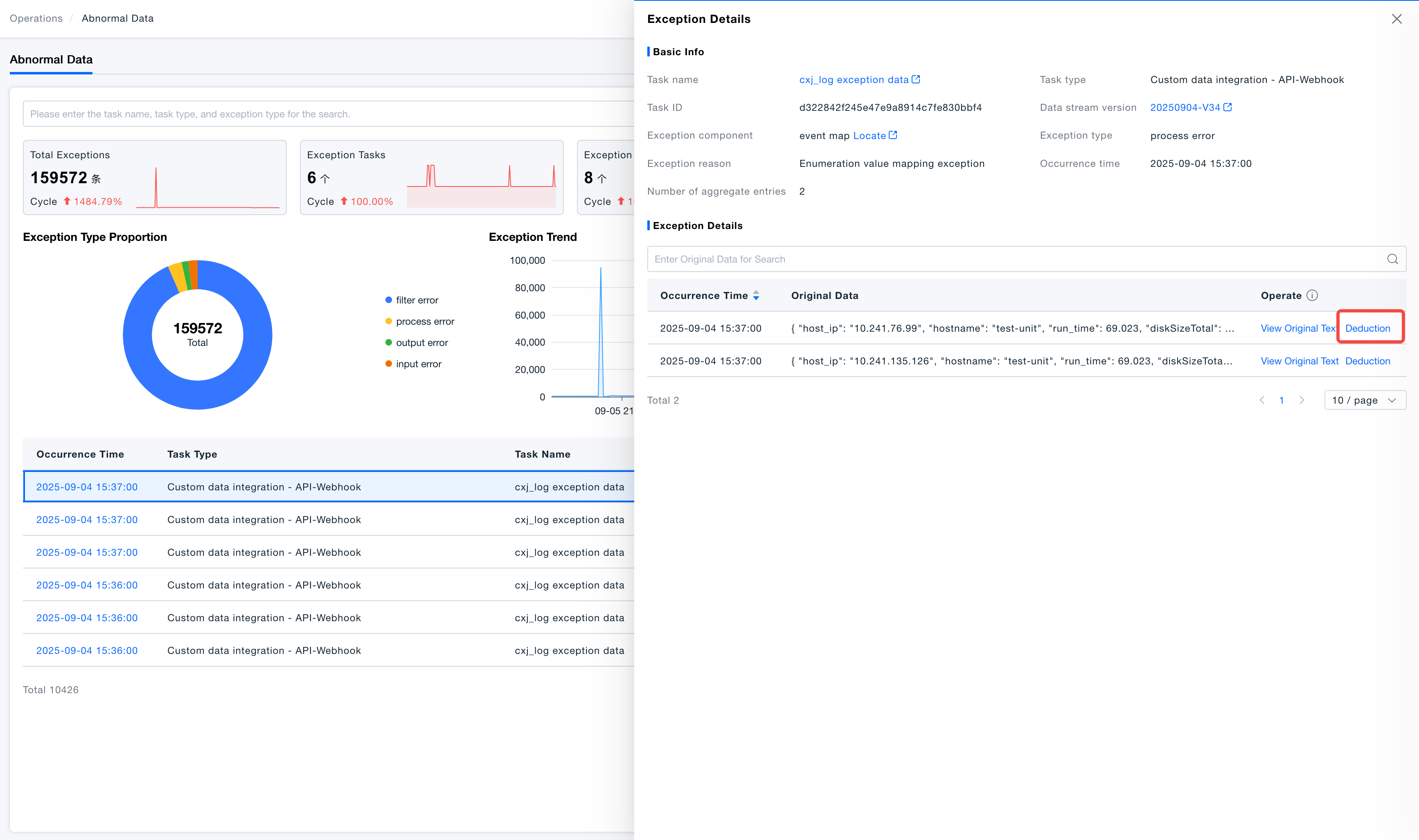
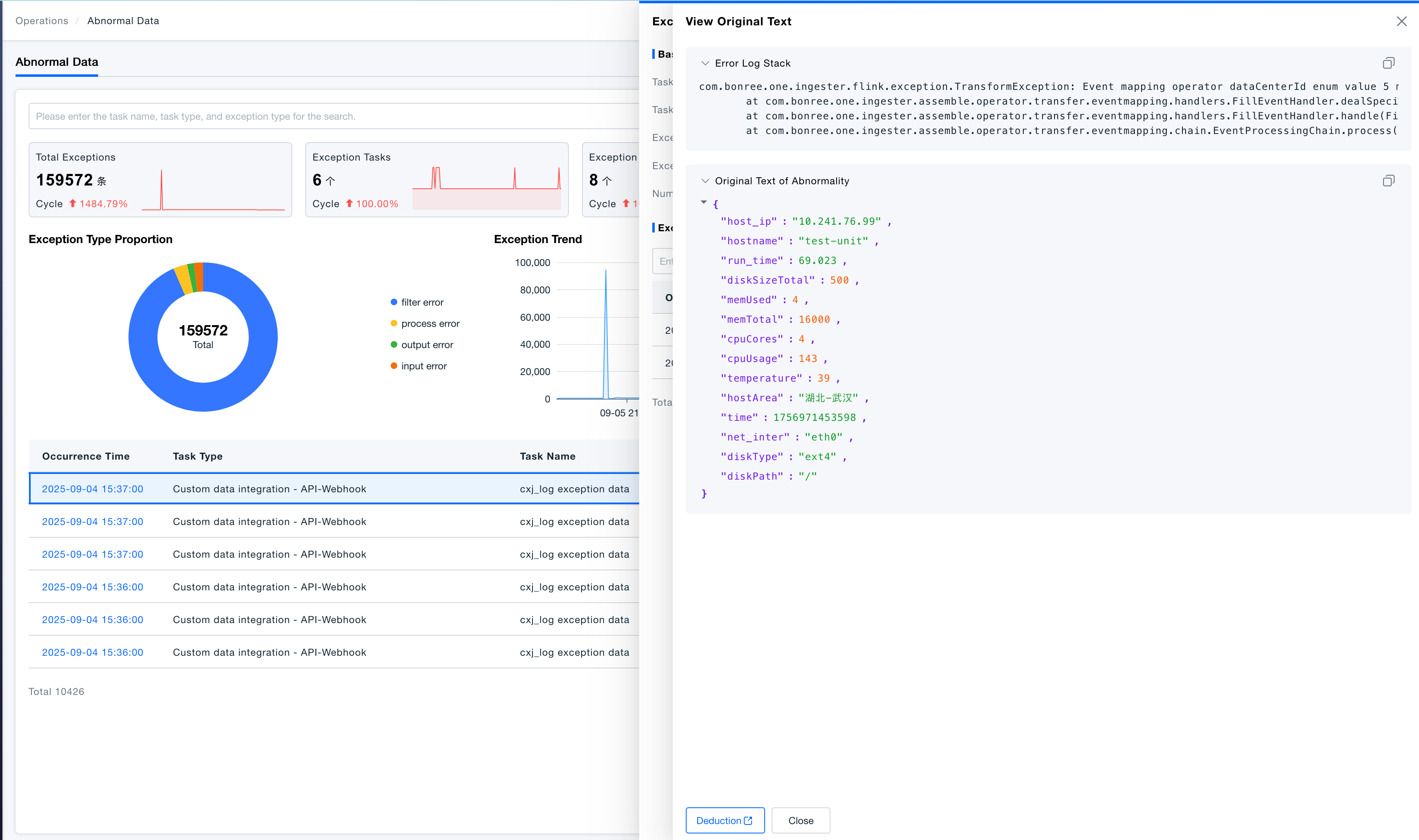
Click the exception occurrence time to enter the exception details page. Here, you can view the total number of triggered exceptions, the original message of the exception data, error stack traces from code execution, and other information.
Locate Exception
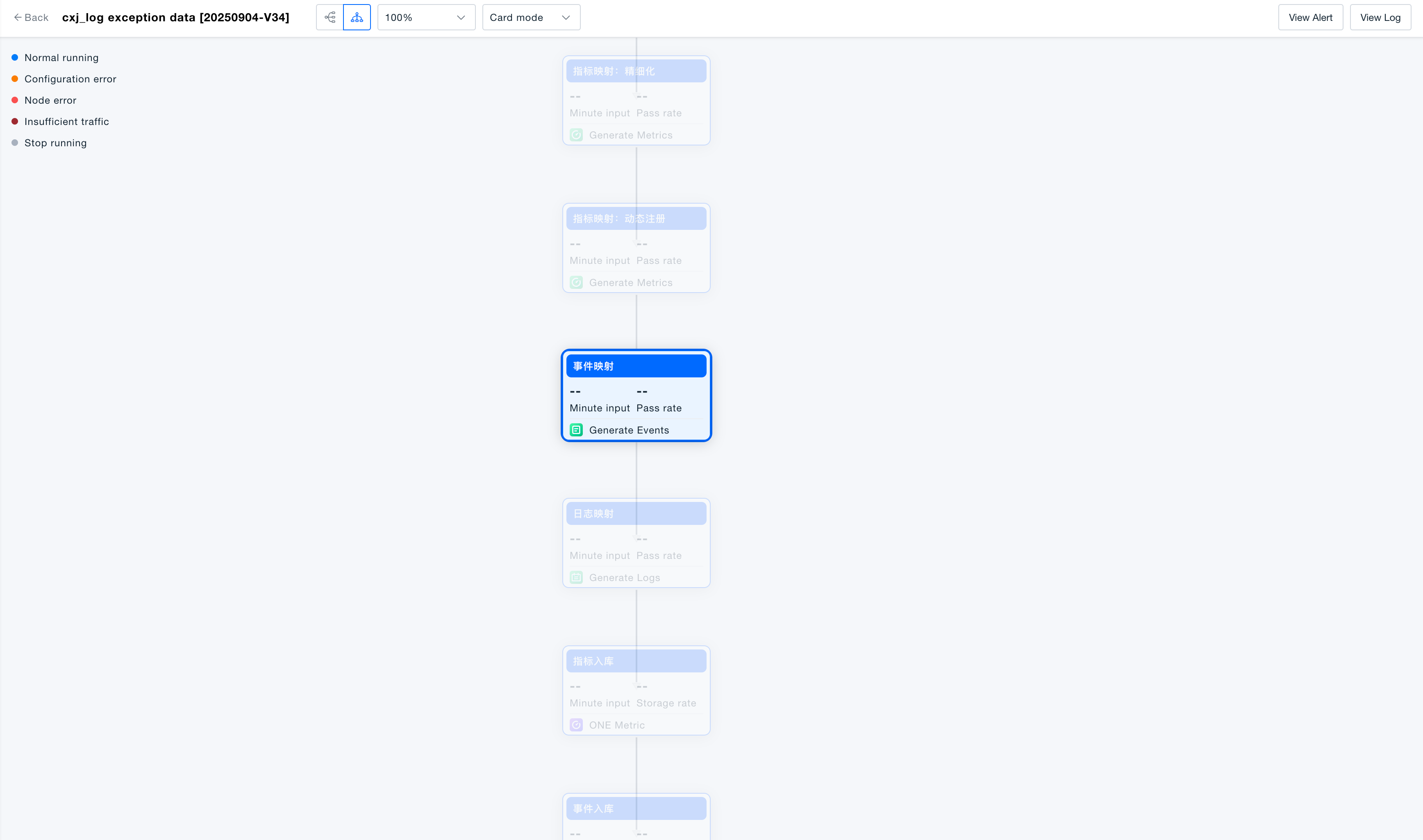
Click the locate button to jump to the data stream view page, enabling quick positioning of the processing component where the exception occurred.
Exception data has a maximum storage period of 7 days and a maximum storage quantity of 300,000 entries. If either limit is exceeded, the data will no longer be viewable!
Exception Simulation
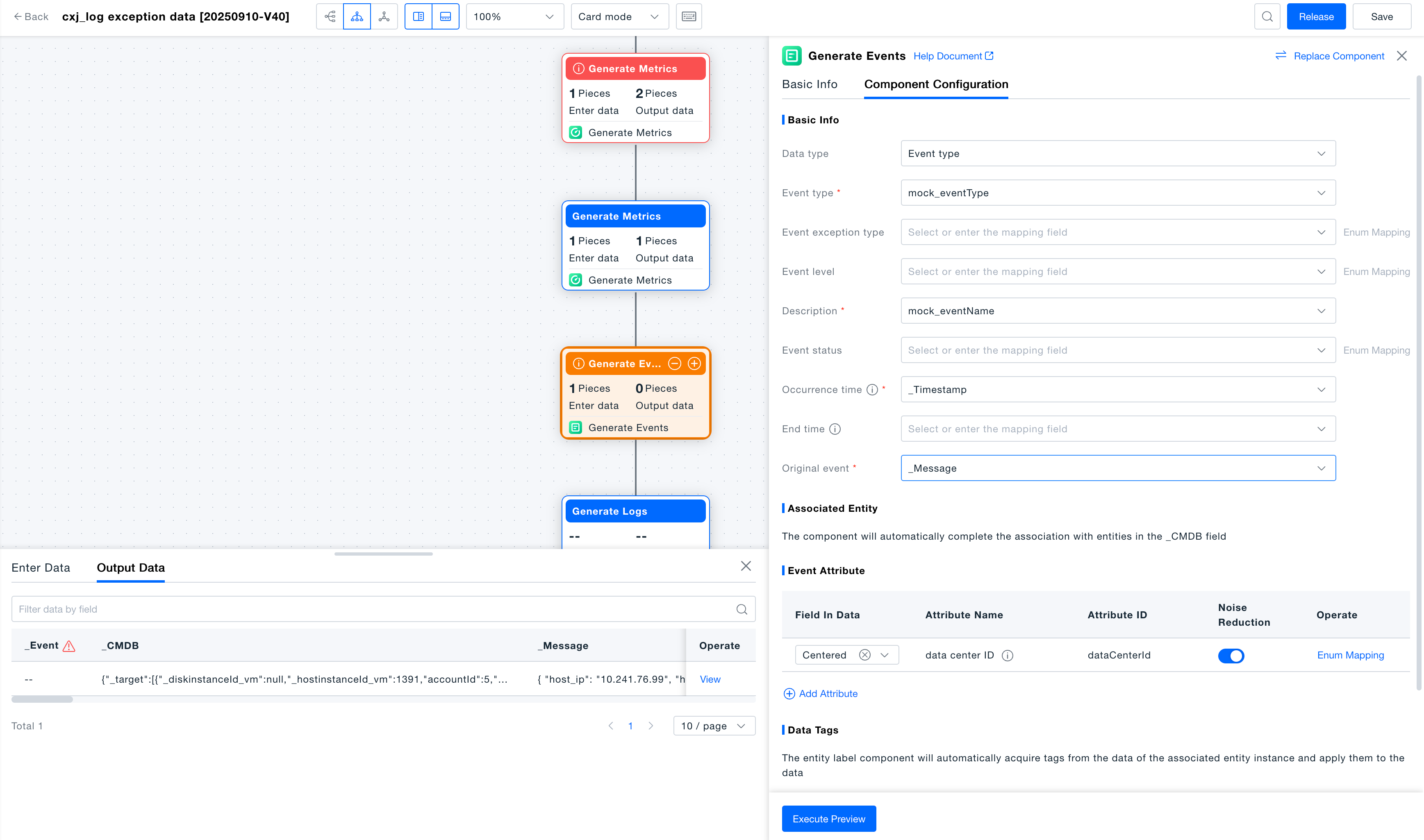
On the exception details page, select an exception data entry to initiate a Deduction of the exception process. This allows for rapid reproduction of the exception scenario for modification and debugging.