Using Tags for Data Management
Tags serve as a general capability provided by the platform for users to customize data dimensions. Within the platform, they are primarily used for displaying and filtering supplementary data information, as well as for permission control.
Data Tag Display and Filtering
Tags added to data instances by users through the Tag Management function will be displayed in various instance lists and detail pages across the platform. Users can use tags as custom conditions to quickly filter instance data.
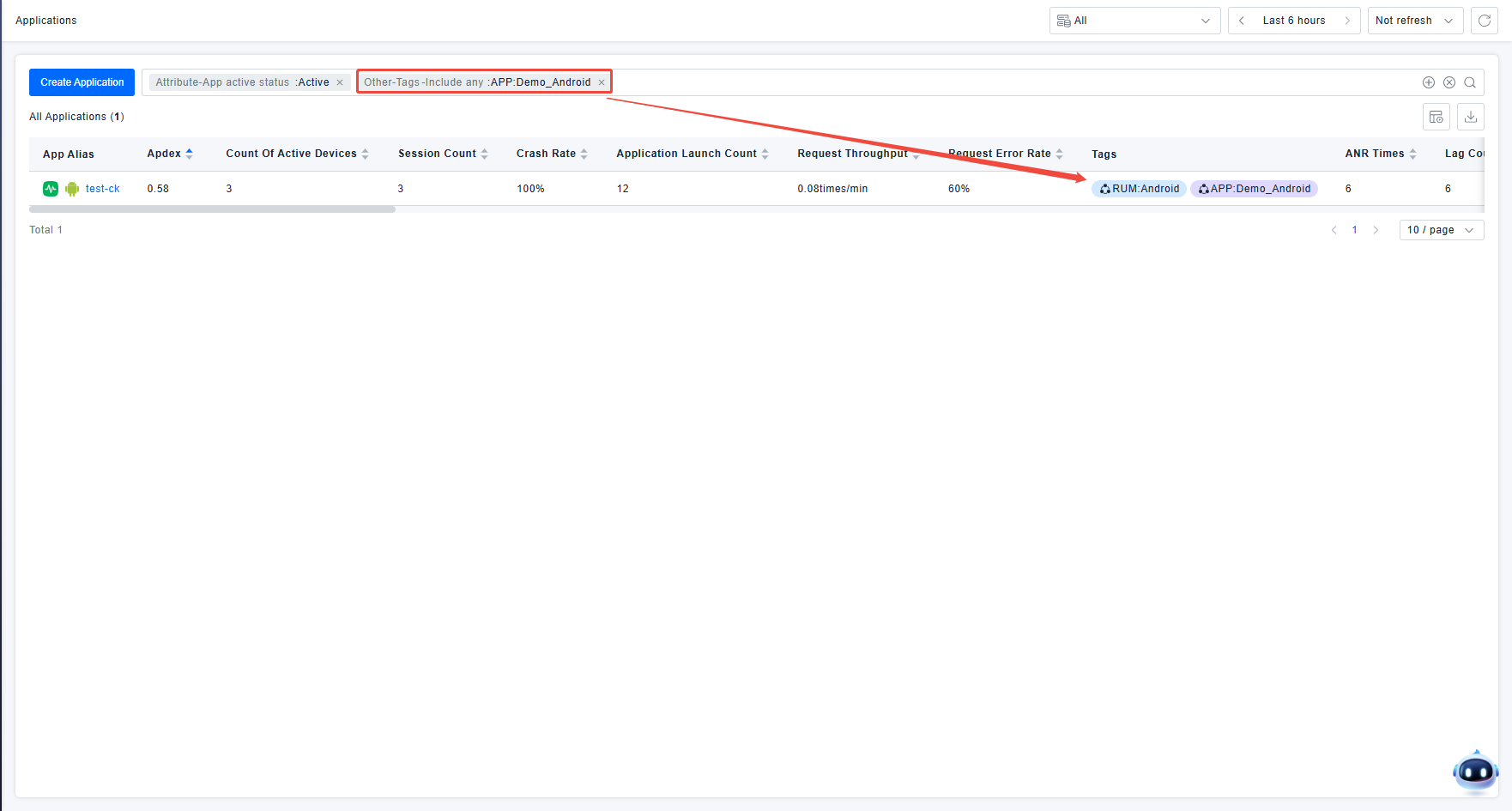
In addition to page lists, data tags, as custom characteristics of data, can also be used for data filtering and display during dashboard configuration or for variable passing within dashboards.
Data Permission Control
The platform drives data permissions based on tags. After users configure Resource Domains according to tag characteristics, they can control that users can only view and use data with specific tag characteristics based on the Resource Domain.
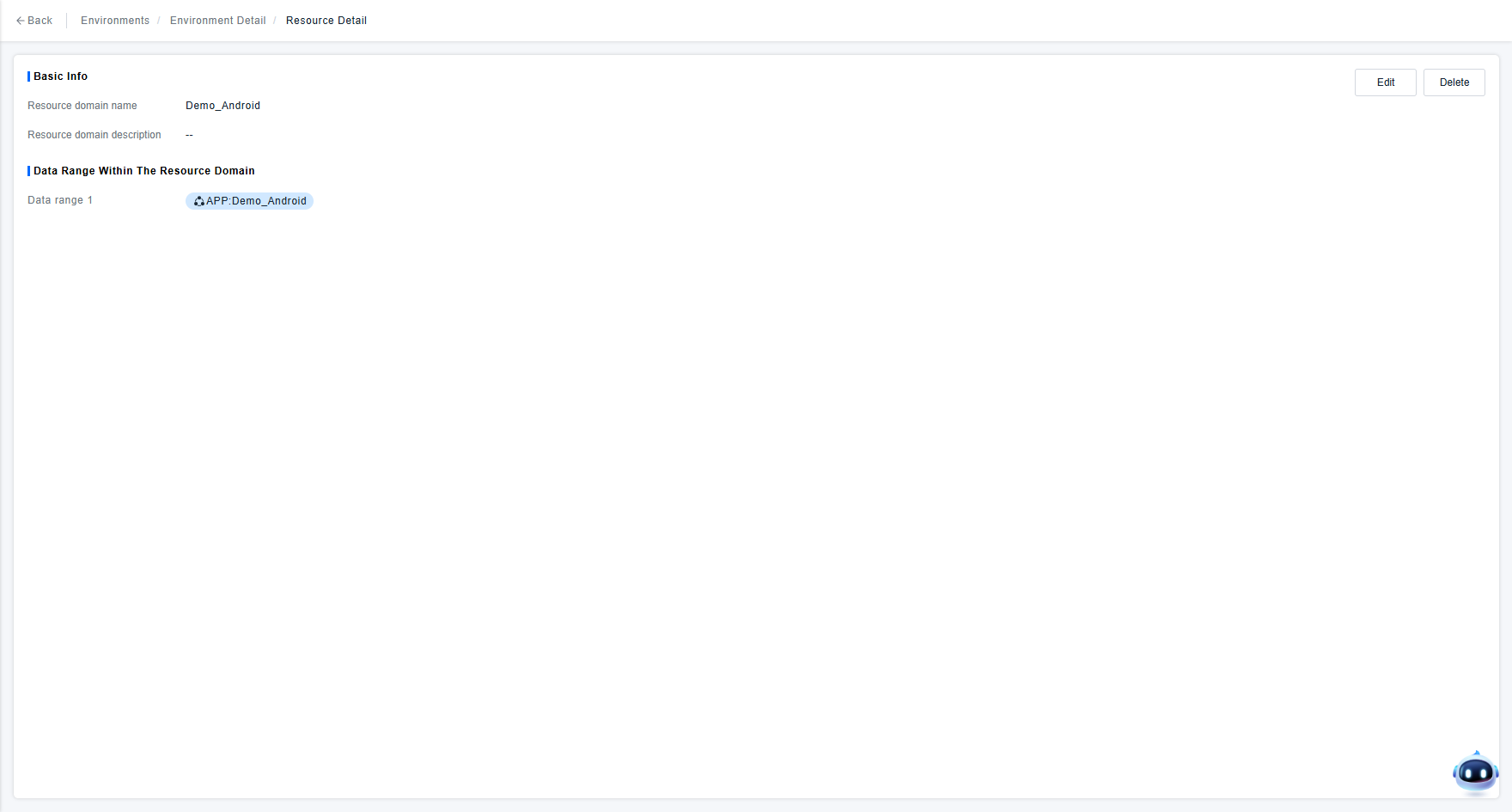
If you wish to learn more about the detailed configuration and effects of using tags for data permission control, you can go to the "ranular Permission Control with Tags" page.